Installing and Setting up the Card
section
13
1
2
3
4
5
6
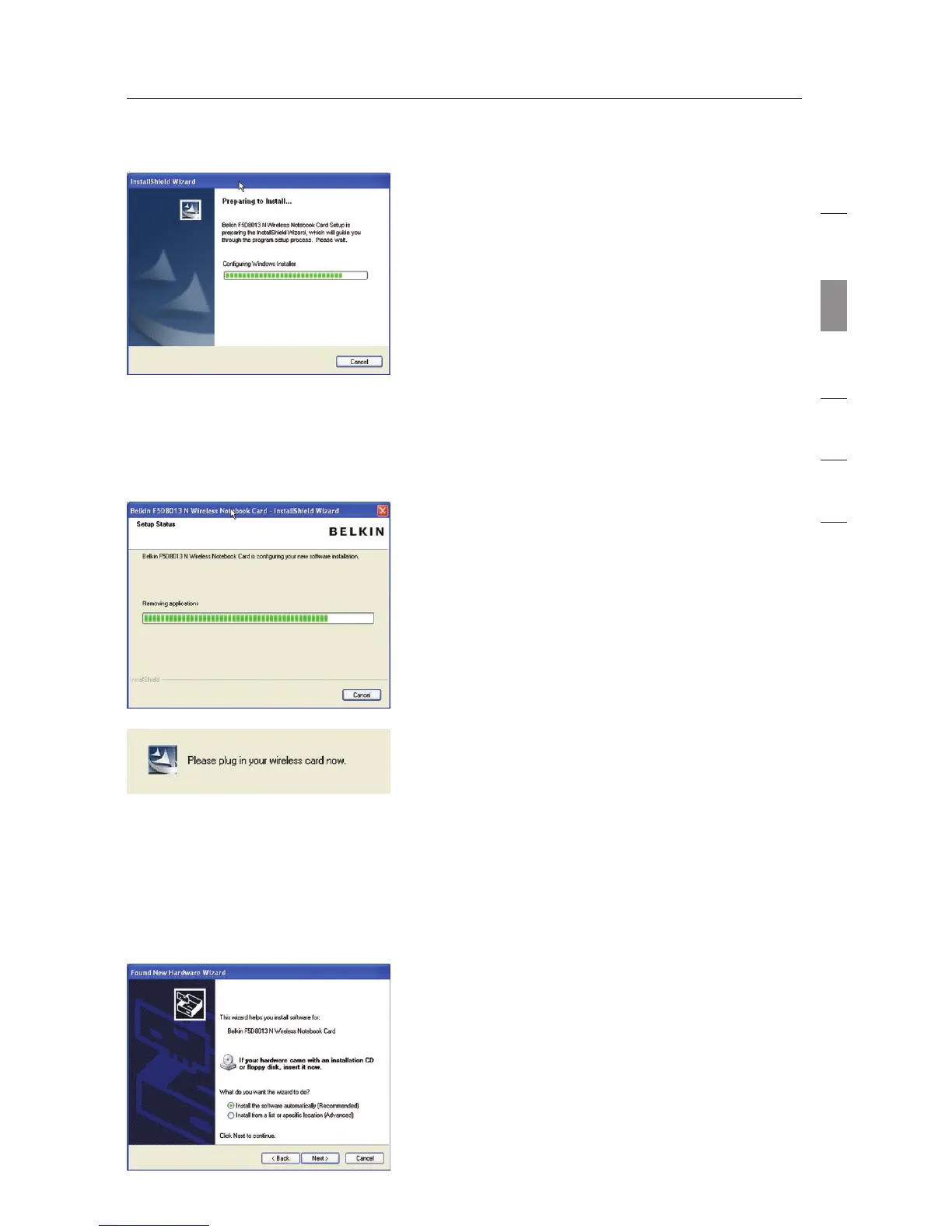
B.3 The InstallShield Wizard starts the
installation process.
B.4 Select a destination folder for the
software installation by clicking
“Browse”; or, simply click “Next” to
select a default location.
B.6 After the software installation is
finished, a prompt will instruct
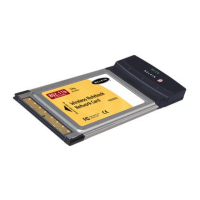
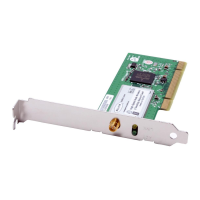
you to insert the Card into your
computer’s CardBus slot.
B.5 A Setup Status screen lets you know
where you are in the setup process.
B.7 The Found New Hardware Wizard
might appear in 3–15 seconds. If
it does, select “Install the software
automatically” and click “Next” to
install the hardware.
B.8 If the Found New Hardware Wizard
does not appear, click “Finish”.



 To Next Page