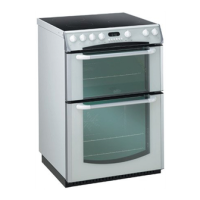
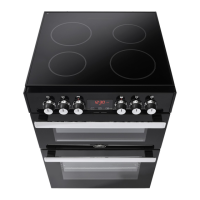
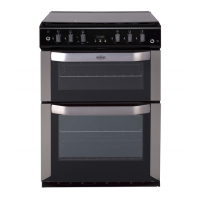
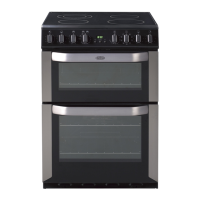
Main Oven
Turn the main oven thermostat to set the required temperature, the oven
light will come on. (Not applicable to some Models).
When operated an indicator light will immediately come On, and will go
out when the desired temperature is reached, subsequently switching On
and Off at intervals to indicate that the correct temperature is being
maintained. The fan will operate continuously whilst the oven is switched
On.
Note: If the indicator light does not come On when the control is turned,
check that the timer is in Manual operation.
Oven Thermostat
26



 To Next Page