USING YOUR APPLIANCE
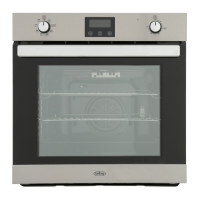
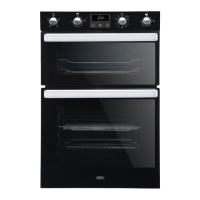
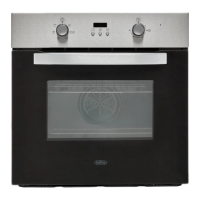
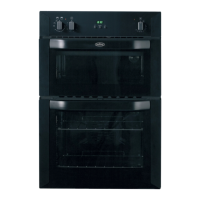
Getting to know your product
Note: Your appliance layout may dier depending on the model.
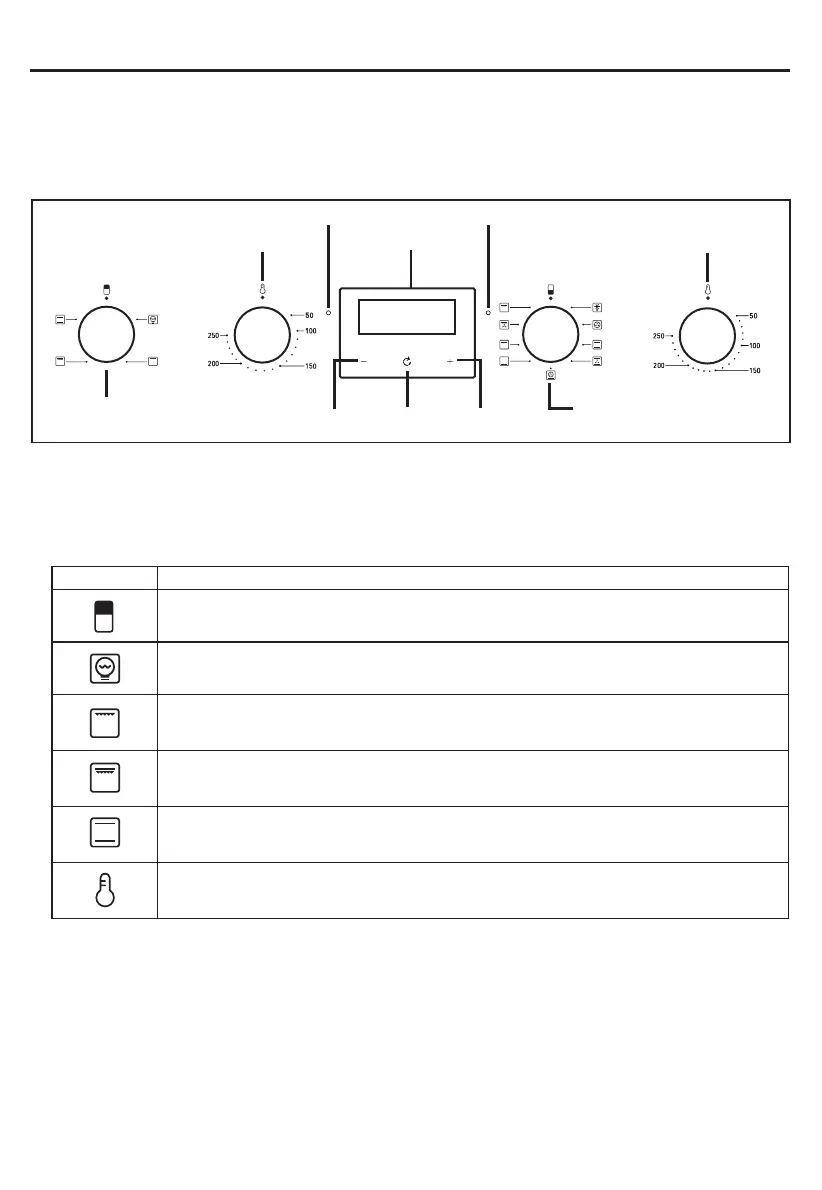
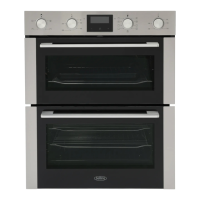
70cm Control Panel
Oven / Grill functions
Note: Your oven may not have all of the functions shown here. We recommend for best cooking results,
please preheat for 15 minutes.
Clock/Programmer
Top Oven/Grill Temperature Control (K2) Main Oven Temperature Control (K2)
Top Oven Function
Selector Control (K1)
Main Oven Function Selector
Control (K1)
Function PlusMinus
Symbol Top Oven Function Descriptions
Oven Function Selector Switch:- Use to select the desired oven function.
Oven Lamp:- Can be operated on its own for cleaning or maintenance without any heating elements coming
on.The Oven lamp will also come on when any oven function is selected.
Single Grill:- The central area under the grill becomes hot and is ideal for toasting and grilling meats such as
sausages, chops and steaks. Use with the door open. Place food in the middle of the grill pan.
Dual Grill:- Operates inner and outer grill elements. This function is useful for toasting and grilling thinner meats,
like bacon. Use with the door open. Place food in the middle part of the grill pan.
Conventional Cooking:- The top and bottom elements work together to provide traditional cooking and is ideal for
roasting.
Top Oven Temperature Control:- Use to select the oven temperature.
Top Oven Temperature
Indicator
Main Oven Temperature
Indicator


 To Next Page