8
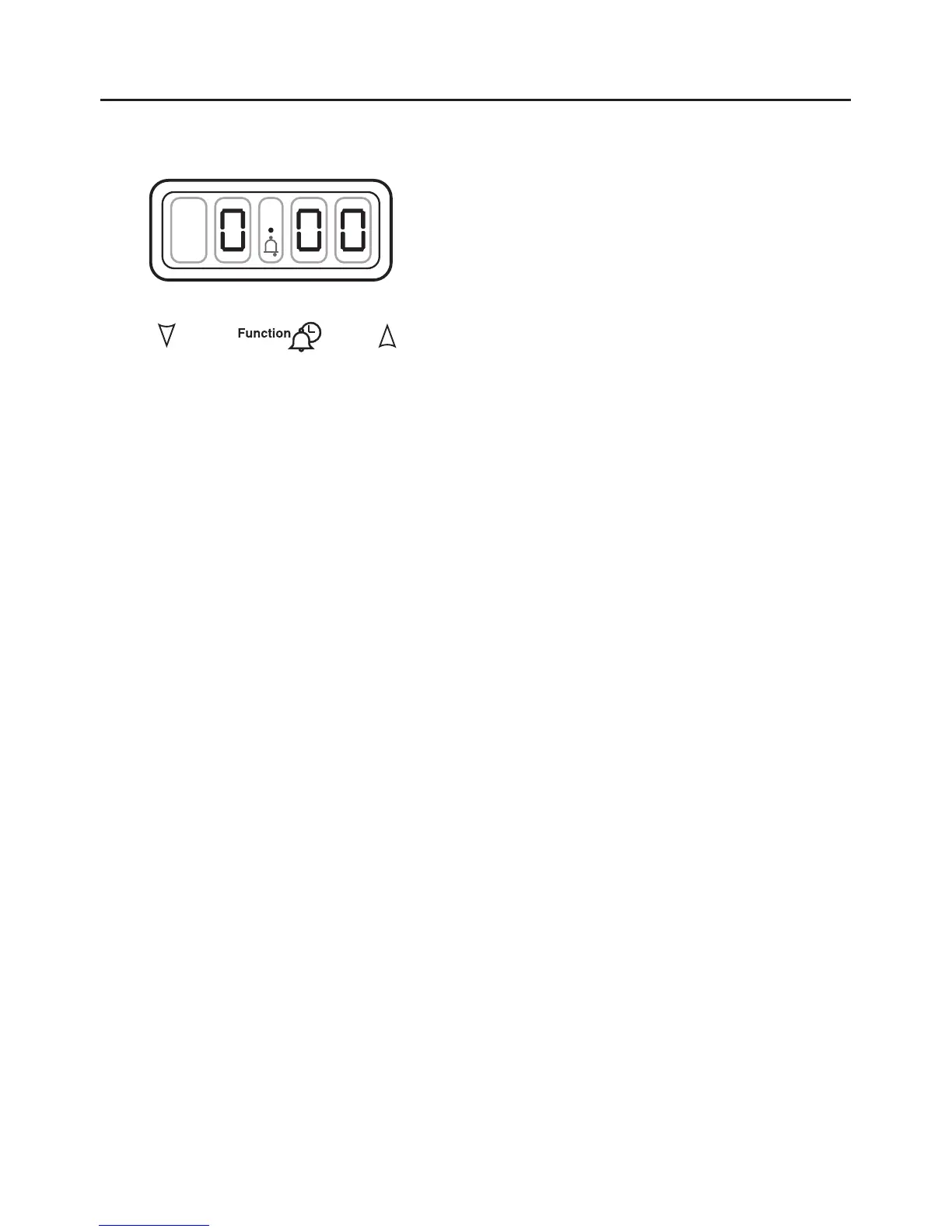
Minute Minder - models with red clock display
Initial display
The digital timer enables you to set the
time of day (24 hour clock) and the
minute minder alarm.
Setting the time of day
Press the Plus and Minus buttons
together for a few seconds and
release.
Set the time of day using the Plus and
Minus buttons. Press once for single
digit increase, press and hold for
rapid increase..
Once the time of day has been set
wait approx 10 seconds until the ‘’
stops flashing.
Use the appliance as normal.
Changing the time of day
1. Press the function button once.
2. Set the time of day, using the plus
and minus buttons.
3. The time will be set 7 seconds after
the last plus or minus operation.
Alarm tones
After setting the time of day, you can
select one of three alarm tones.
Press the minus button to listen to the
first tone, then release the minus button
and press again to listen to the second
tone, etc.
Releasing the minus button after a tone
has sounded will automatically select
that tone.
Setting the minute minder
1. Press and release the plus button, to
change the display from clock to
minute minder - the bell symbol will
light.
2. Use the plus and minus buttons to
set the length of time before the
alarm tone will sound. The display
will increase / decrease in units of
10 seconds up to 99 minutes, 50
seconds, and in units of 1 minute
from 1 hour 40 minutes upwards.
The maximum period which may be
set is 10 hours.
The display format will change after
99 minutes and 50 seconds to 1 hour
and 40 minutes.
During countdown, the minute minder
has priority on the display, which will
show (in minutes : seconds, or hours :
minutes) the time remaining.
When countdown is complete, the
tome will sound for 7 minutes, or it can
be reset with one touch of any button.
To cancel the minute minder at
any time.
Run down the set time with the minus
button. The display will show the time
of day


 To Next Page