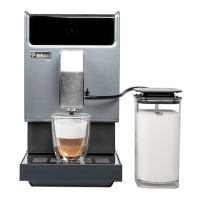
5. 3 Hot Water
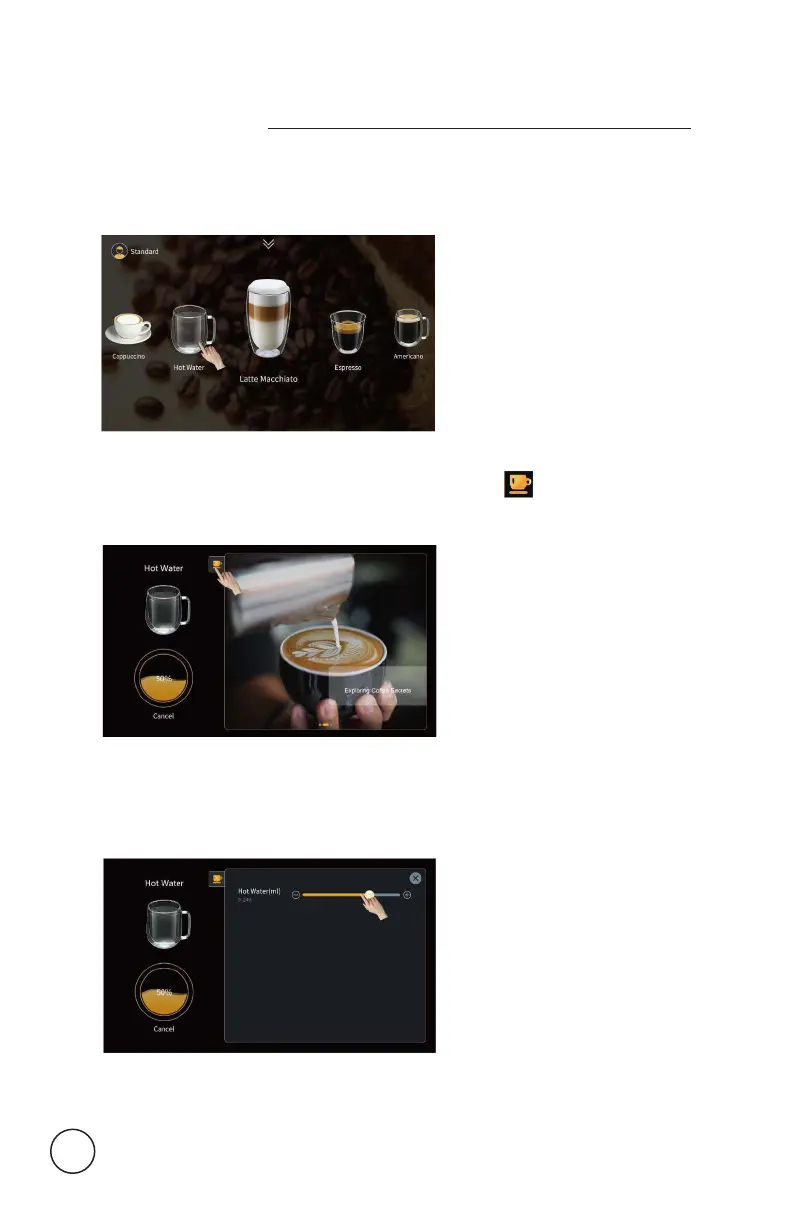
>> For example: make a cup of hot water
Step 1: Click “Hot water” then start.
Step 2: During beverage making process, click on the screen,
beverage parameter adjustment interface appears.
Step 3: Drag the adjustment lever on the right interface to temporarily
adjust the dierent amount; (only available in adjustable mode).
22


 To Next Page