EasyManua.ls Logo

Beltone Imagine - User Manual

Beltone Imagine
72 pages
Print Icon
To Next Page IconTo Next Page
Loading...
User guide
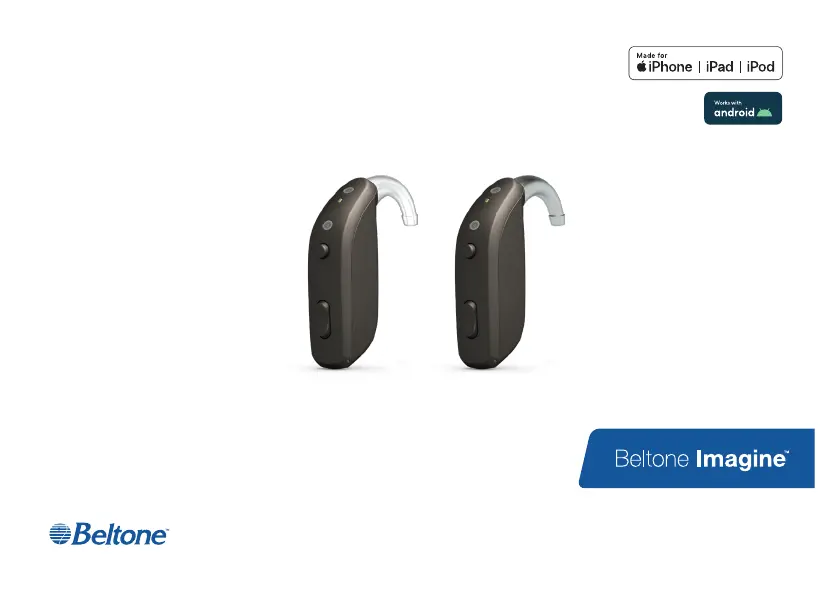
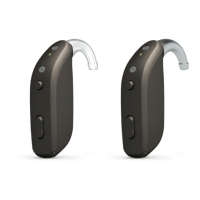
Beltone Behind-The-Ear power hearing aids, Rechargeable

Questions and Answers

  • M
    Mckenzie ThompsonJul 29, 2025
    What to do if my Beltone Imagine Hearing Aid has no sound?
    • M
      Mr. Craig SmithJul 29, 2025
      If your Beltone Hearing Aid has no sound, consider the following: * Ensure the hearing aid is turned on. * Check if the hearing aid is in telecoil mode; if so, switch to the microphone program. * Make sure the hearing aid is charged by placing it in the charger. * Visit your physician if your ear is full of wax.
  • B
    Bryan BrownAug 5, 2025
    How to fix Beltone Imagine that is not charging?
    • J
      jacktaylorAug 5, 2025
      If your Beltone Hearing Aid is not charging: * Ensure the hearing aid sits correctly in the charger; reinsert it if necessary. * Verify that the hearing aid charger is plugged into a power source.
  • C
    Cheryl BrownAug 13, 2025
    Why does my Beltone Hearing Aid whistle?
    • M
      Mark MyersAug 13, 2025
      Your Beltone Hearing Aid might be whistling due to several reasons: * Your earmold might not be correctly inserted; try re-inserting it. * The volume could be too loud; if you've increased it, try reducing it. * You might be holding an object too close to the hearing aid; create more space between the hearing aid and the object. * Your ear may be full of wax; visit your hearing care professional or physician to have your ears checked.
  • J
    Jacob HendersonAug 21, 2025
    Why does my Beltone Imagine Hearing Aid battery drain very quickly?
    • K
      kaitlin07Aug 21, 2025
      If the battery of your Beltone Hearing Aid drains quickly: * Ensure you are placing your hearing aids in the charger for recharging when you are not using them, or switch them off. * If the hearing aid is old, visit your hearing care professional.

Summary

Hearing Aid Information

Getting to Know Your Hearing Aid

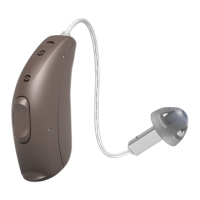
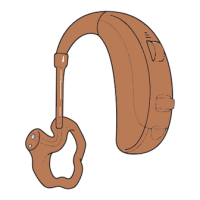
Model 86 Components

Details the components and identification of the Model 86 hearing aid.

Charging Your Hearing Aids

Battery Safety Warnings

Provides critical safety warnings regarding Li-Ion batteries and their handling.

Placing Your Hearing Aids in Your Ears

Identifying Left and Right Aids

Explains the color-coding system to distinguish left and right hearing aids.

Insertion and Removal Procedures

Provides step-by-step guides for correctly inserting and removing hearing aids and earmolds.

Using Your Hearing Aids

Basic Operation and Indicators

Covers turning aids on/off and understanding LED indicator lights.

Volume and Program Control

Details how to adjust volume and switch between listening programs.

Advanced Options

Wireless Accessories

Cleaning and Caring for Your Hearing Aids

Cleaning Tools and General Care

Identifies cleaning tools and provides general guidelines for care and maintenance.

Daily Cleaning Procedures

Outlines daily cleaning steps for the hearing aids, earmolds, and microphones.

Microphone Filter Maintenance

Explains how and why to change the microphone filters.

Tinnitus Management

TBP User and Professional Warnings

Provides general warnings and specific warnings for hearing care professionals regarding TBP use.

General Warnings and Cautions

General Safety and Handling

Covers general safety advice for hearing aid use, including pets, children, and environmental hazards.

Power Hearing Aid Specific Warnings

Highlights specific safety concerns related to the power output and sound pressure levels of hearing aids.

Cyber Security Warnings

Troubleshooting Common Issues

Warnings for Hearing Care Professionals (US Only)

Technical Specifications

Beltone Imagine Specifications

General IconGeneral
Technology LevelPremium
ConnectivityBluetooth
Sound ProcessingDigital
Noise ReductionYes
Feedback CancellationYes
Tinnitus ManagementYes
ManufacturerBeltone
ModelImagine
Programs4
Directional MicrophonesYes
Water ResistanceIP68
Warranty3 years
StyleRIC (Receiver-in-Canal)
Battery TypeRechargeable
Remote ControlYes, via app
TelecoilAvailable
Channels17

Related product manuals