43
42
Example
You have a B.PAD connected to port
[A1] and a B.BODY connected to port
[A2], and would like to combine a
short application with a program appli-
cation.
By pressing the buttons [A1/A2], you can
switch between the connected applicator
modules, making it possible, for example,
to use the B.PAD and the B.BODY at the
same time.
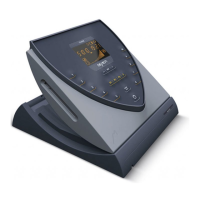
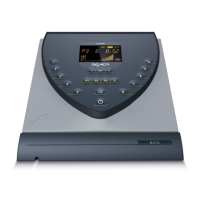
A further highlight of the B.BOX Profes-
sional is the option to operate 2 B.BODY
Professional modules with different wake-
up times in the Sleep Program.
•
Press button [A1/A2] and proceed as
described in "Short application (inten-
sity levels 1-10)“ on page 43.
•
Now press the button [A1/A2] and
proceed as described on page 44.
The remaining duration of both
applications will be displayed in
the upper information bar.
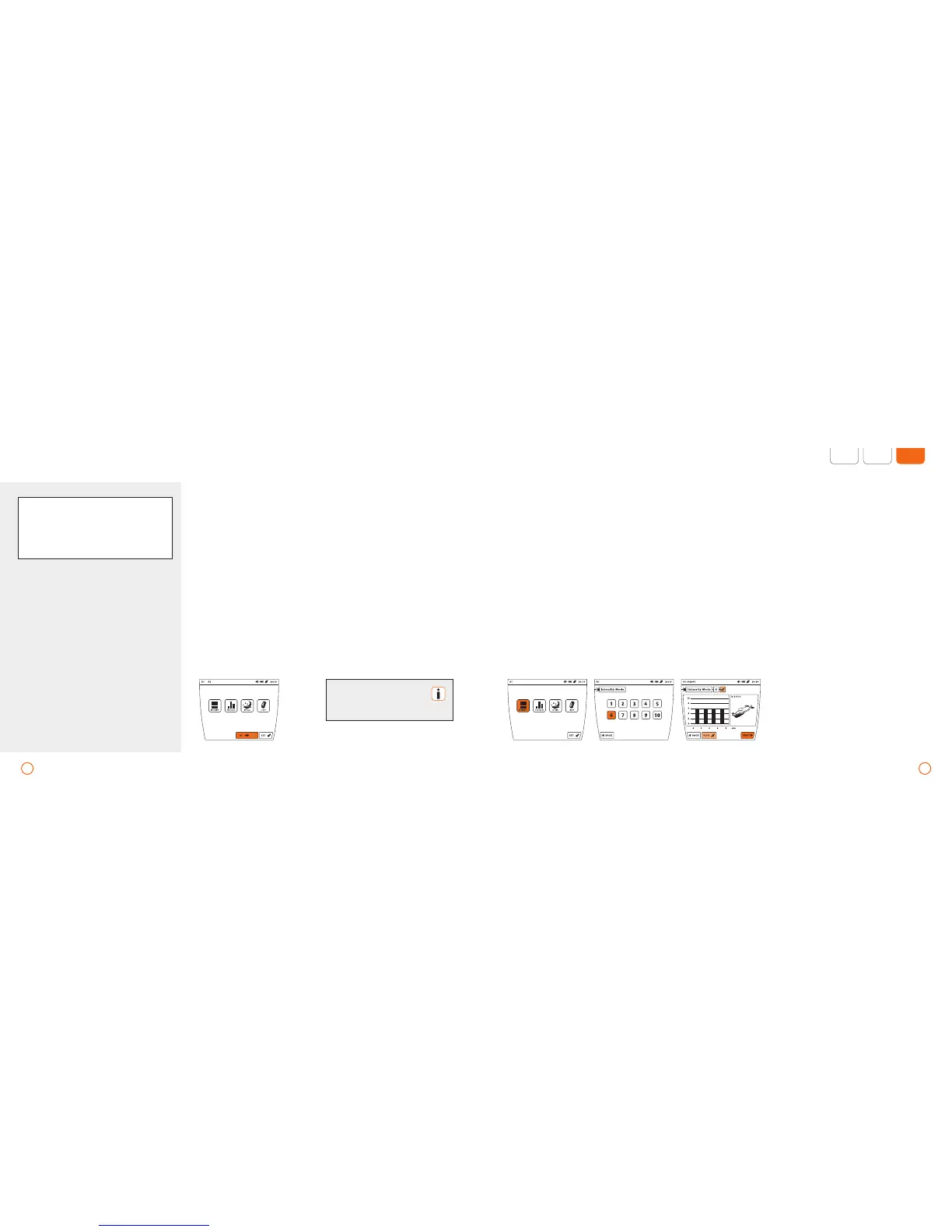
Example – short application at intensity 6 (using the application B.BODY via port A1)
Short application (intensity levels 1-10)
•
Press the button [INTENSITY].
•
Select the desired intensity by pressing
the respective number (1-10).
•
Activate or deactivate the plus Signal by
pressing [PLUS].
•
After making the selection, start the
short application by pressing [START].
Applications – B.BOX Professional
2-in-1 functionality. The outstanding high-
light of the B.BOX Professional is the possi-
bility to simultaneously control and operate
2 of the same or even different applicator
modules independently.
The [A1/A2] button is only
available when 2 applicator
modules are connected.


 To Next Page