Need help?
Do you have a question about the Bemer BEMER-SET PRO and is the answer not in the manual?
Explains the various symbols used in the operating instructions.
Explains core principles and application modules for local treatment.
Details B.SPOT and B.PAD application modules for local treatment.
Provides advice to optimize BEMER therapy application effects.
Explains the Basic Plan as a local therapy for muscle stimulation and well-being.
Offers advice on connecting modules, treatment duration, and canceling applications.
Explains B.SCAN as an integrated test device for application modules.
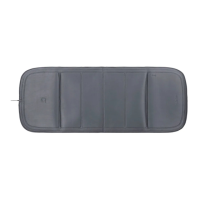
Describes B.PAD as a handy, flexible module for local treatment.
Details B.GRIP as a multi-functional grip for B.SPOT.
Describes B.SPOT as a flexible, portable module for local treatment.
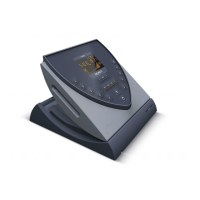
Explains the wall mount for easy fixation of the B.BOX.
Details the service interface for software updates and approved accessories.
Indicates the location for memory card insertion.
Describes the communication interface for software updates and accessories.
Explains the A1 and A2 ports for connecting application modules.
Details the use of ports A1 and A2 for connecting application modules.
Explains how to set intensity levels and start short applications.
Describes how to set the plus signal status as a default.
Explains how to set the intensity level (HIGH/LOW) as default.
Details how to adjust and save the signal volume settings.
Provides step-by-step instructions for changing the B.SCAN battery.
Details the process for assembling or changing the rechargeable battery.
Provides initial checks for device malfunctions and error messages.
Explains how to switch off error messages after resolving the issue.
Details RF emissions and harmonic compliance according to international standards.
 General
| Brand | Bemer |
|---|---|
| Model | BEMER-SET PRO |
| Category | Personal Care Products |
| Language | English |


 To Next Page