38
General information
BEMER devices are equipped with intelligent electronics. There-
fore they can automatically detect and display errors. Should an
error be displayed or should you suspect a malfunction, then
check the following:
•
Is the power supply connected to the outlet correctly (does
the power supply have a corresponding control light)? If not,
then connect the power supply to the outlet.
•
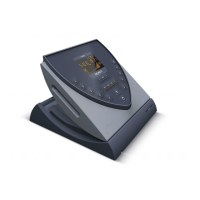
Is the power supply connected to the B.BOX corectly? If not,
then connect the power supply to the B.BOX.
•
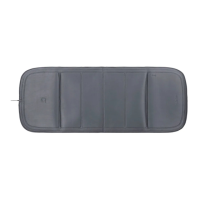
Are the desired application modules properly connected?
•
Are all the cables and plugs that come into consideration
undamaged??
Troubleshooting
If an error still persists or if one has not been properly located,
please follow the instructions of the corresponding error code
or contact your responsible service address. When in doubt,
you can get information at .., where
you will find your closest contact person.
Switching off the error message
When the error or cause has been remedied, you can switch off
the error message on the device. This procedure using the B.BOX
Pro is self explanatory and is found in the menu navigation.
1960-2002-BEDIENANL-B.BOX-USA-FDA-2020-US-en-v13-Akku Rev20_4.indd 381960-2002-BEDIENANL-B.BOX-USA-FDA-2020-US-en-v13-Akku Rev20_4.indd 38 04.11.2020 08:47:3104.11.2020 08:47:31



 To Next Page