26
Example
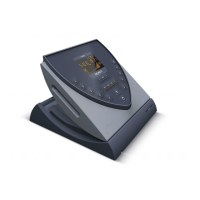
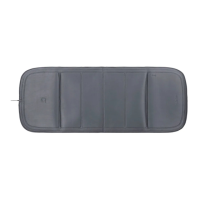
A B.PAD is connected on port [A1]
and a B.SPOT on port [A2].
•
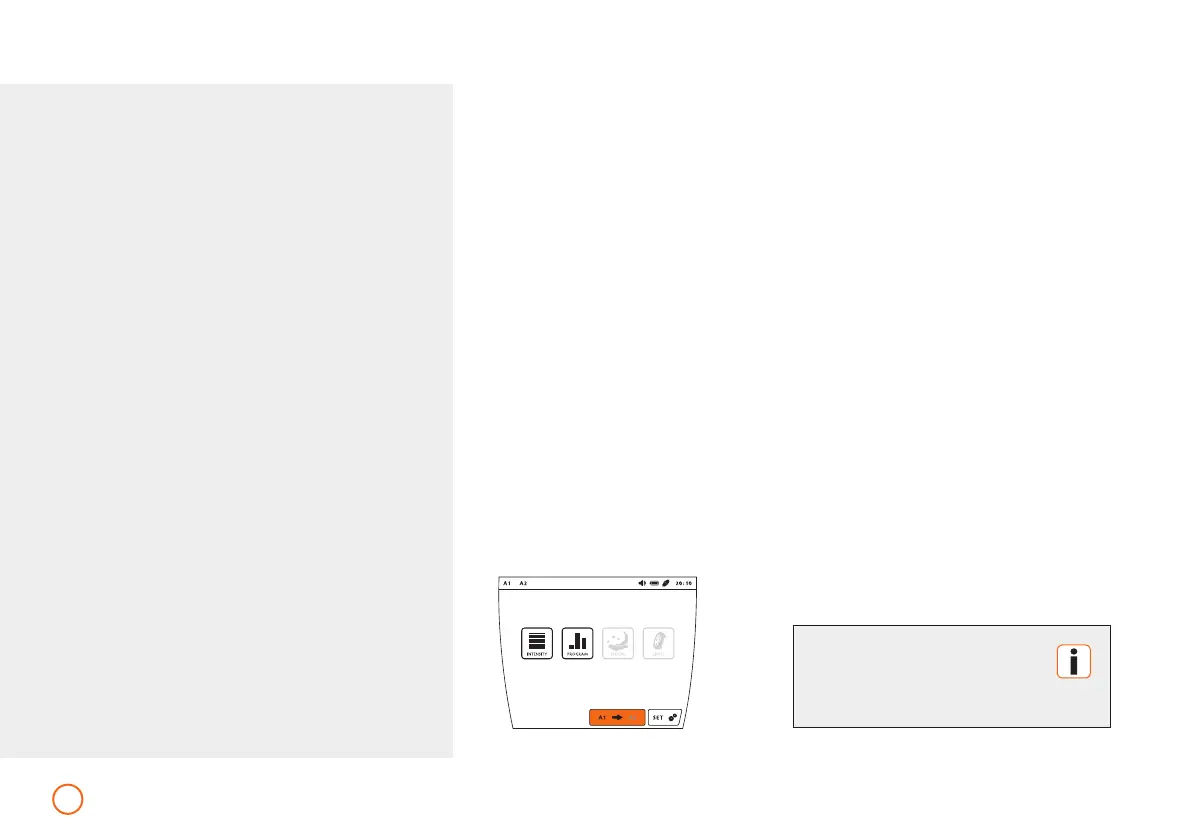
Press the button [A1 / A2] and
proceed as described on page 27.
•
Now press the button [A1 / A2] and
proceed as described on page 27.
The remaining duration of both
applications will be displayed in
the upper information bar.
By pressing the buttons [A1 / A2] you can
switch between the connected application
modules.
Short application (intensity levels 1-10)
•
Press the button [INTENSITY].
•
Select the desired intensity by pressing
the respective number (1-10).
•
Activate or deactivate the plus Signal
by pressing [PLUS].
•
After making the selection, start the
short application by pressing [START].
Applications – B.BOX Professional
The [A1 / A2] button is only
available when 2 application
modules are connected.
1960-2002-BEDIENANL-B.BOX-USA-FDA-2020-US-en-v13-Akku Rev20_4.indd 261960-2002-BEDIENANL-B.BOX-USA-FDA-2020-US-en-v13-Akku Rev20_4.indd 26 04.11.2020 08:47:2904.11.2020 08:47:29



 To Next Page