45
44
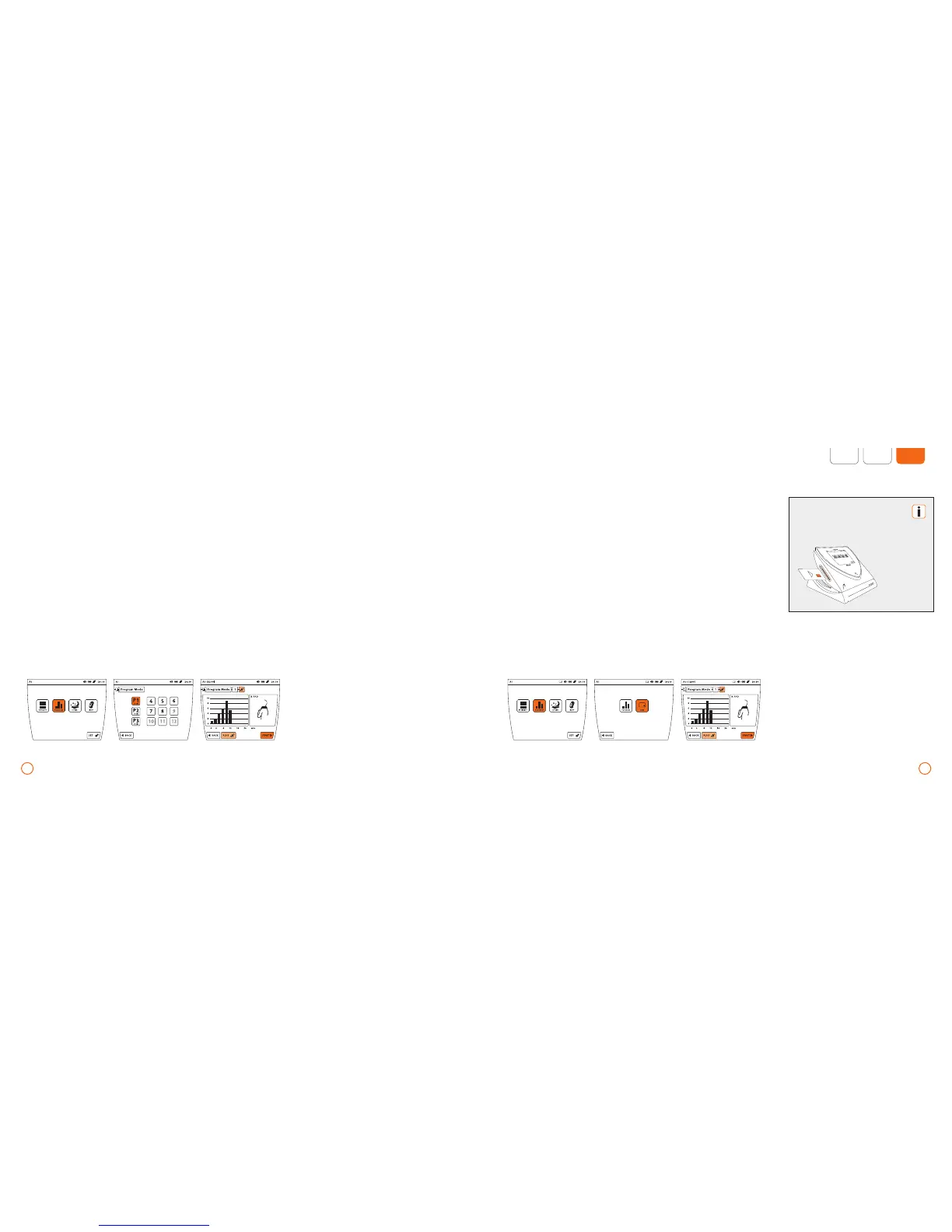
Example – Program P1 (with the applicator module B.PAD via port A1)
Application using the memory card
The memory card is not standard equip-
ment. Please refer to your local BEMER
partner or BEMER support for more infor-
mation.
Example – application using a memory card (using the applicator module B.PAD via port A1)
•
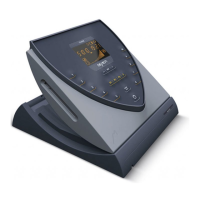
Slide the memory card into the card slot.
•
Press the [PROGRAM] button.
•
Press the [CARD] button.
•
Start the program with [START].
Program selection
•
Press the [PROGRAM] button; if a memory
card is inserted, press the button
[PROGRAM] again.
•
Select the desired program by pressing the
button of one of the predefined programs
P1-P3 and, as needed, the available
programs 4-12.
•
Activate or deactivate the plus Signal
by pressing the button [PLUS].
•
After making the selection, start the
chosen program with [START].
The [CARD] selection is available
only when a memory card is
inserted.


 To Next Page