47
46
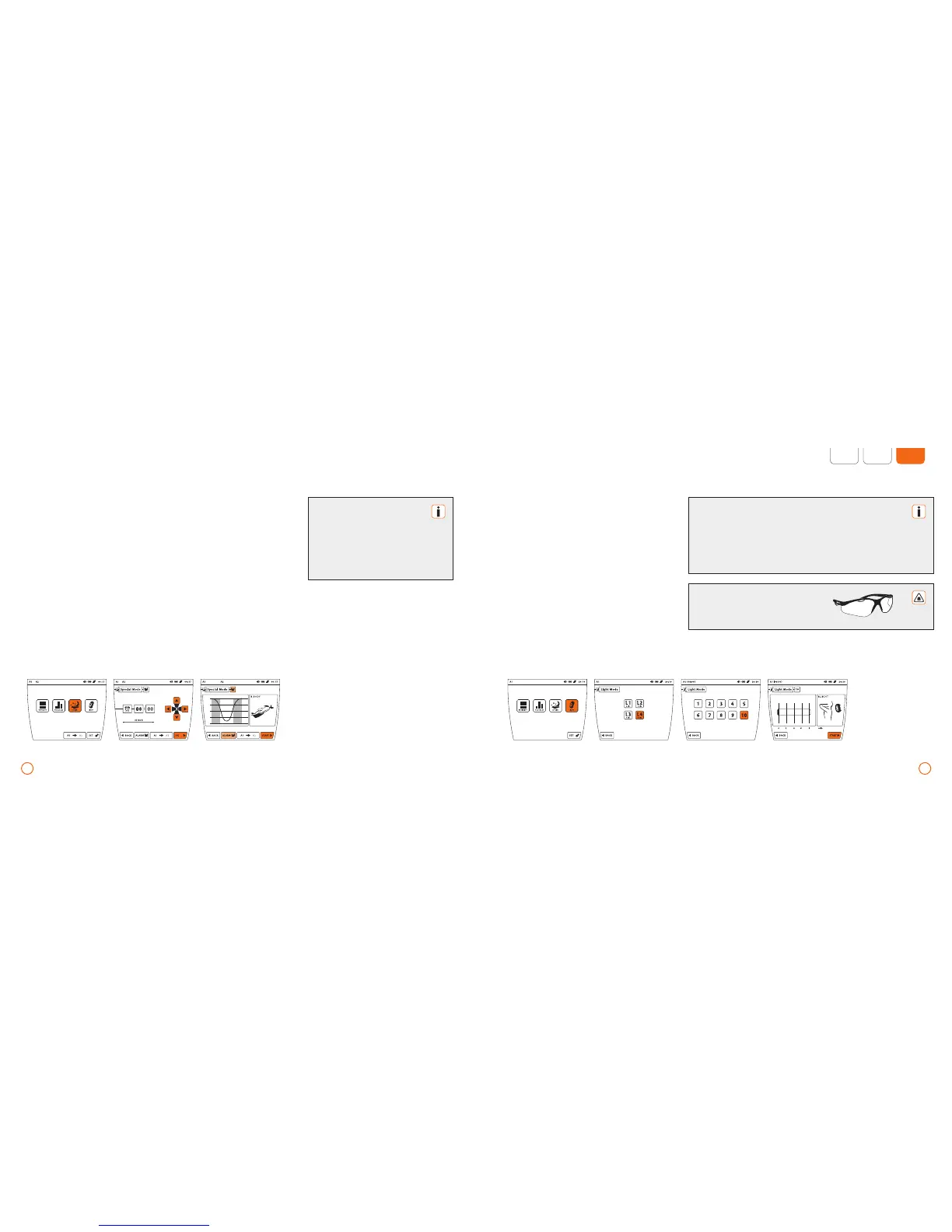
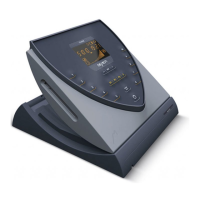
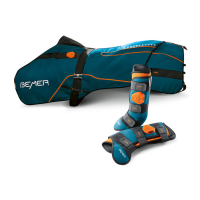
Example – Sleep Program (2 applicator modules connected, the program runs via port A1 using the applicator module B.BODY) Example – using light application (applicator module B.LIGHT connected on port A1, duration: 8 min.)
Light application
•
Press the [LIGHT] button.
•
Select the desired application duration
by pressing the corresponding button
[L1]-[L4].
•
Select the desired light intensity by press-
ing the corresponding button [1-10].
•
Now start the light application with
[START].
Special application – Sleep program
•
Press the button [SPECIAL].
•
Using the arrow keys, set the desired time
for the program to end (wake-up time).
•
Now activate the alarm signal, if desired,
by pressing the [ALARM] button.
•
Confirm your selection by pressing
the [OK] button.
•
Now start the Sleep program
with [START].
Begin the light application at intensity 6 (for 2 mins) and increase
by one intensity level every 2-3 days, and increase the length of
use by 2 minutes.
The duration of the application at level 10 is usually over 8 min-
utes. However, for those with very sensitive skin, lower intensity
levels can also be selected.
Always use the safety glasses supplied!
Please take into consideration
that the Sleep Program requires
a sleeping period of at least 6
hours and not longer than 10
hours, as it supports the regen-
erative processes that occur
during the core sleeping phase.
(07:43:00)


 To Next Page