7.2 Steps
① Download and install the latest test software
Please visit our official website (en.benewake.com) and download the test software of TF-Luna.
Note: Please turn off any anti-virus software before uncompressing the PC software. Some anti-virus
software may regard the ‘.exe’ file as virus. Also, released versions are only running on windows
systems currently.
② Connecting hardware and cables
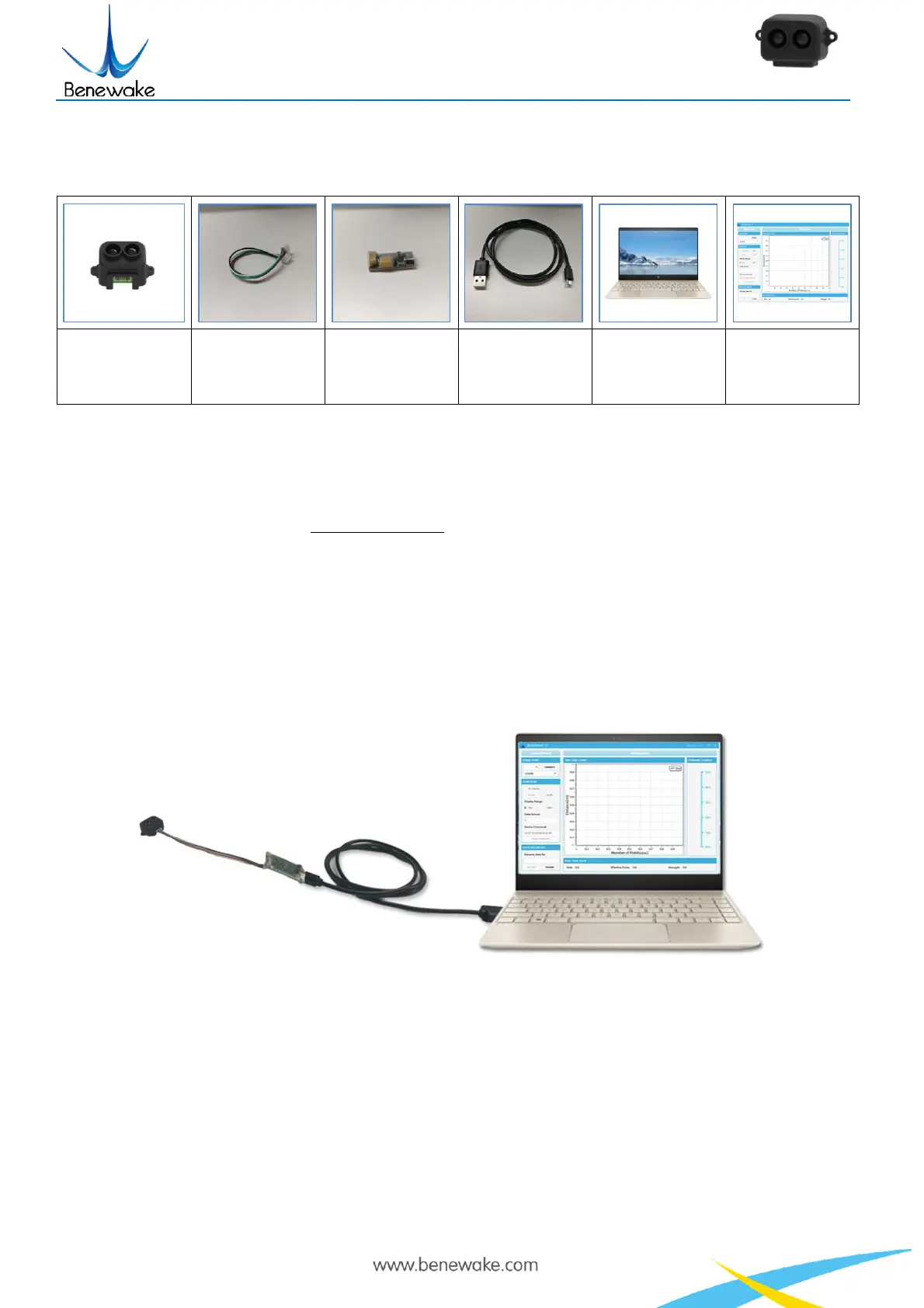
Figure 9 Schematic Diagram of Correct Connection
Please connect TF-Luna, TTL-USB converter, and USB cable properly as shown in Figure 9.
Please check if there is any loose connection, and then plug the USB cable into your PC.
③ Open your test software and check data output
Open the PC software and select “①TF-Luna” and select automatically recognized occupied serial port
(in this case “② COM9”) as shown in Figure 10.


 To Next Page