EasyManua.ls Logo

Benewake TFmini-S - Page 18

Benewake TFmini-S
24 pages
Print Icon
To Next Page IconTo Next Page
To Previous Page IconTo Previous Page
Loading...
SJ-PM-TFmini-S A01 Product Manual
Benewake (Beijing) Co. Ltd.
Page18
I/O mode
enable
5A 09 3B MODE DL DH
ZoneL ZoneH SU
/
Open or close I/O
output mode
MODE:
0--standard data
mode
1--I/O,near high
and far low
2--I/O,near low
and far high
Zone:hysteresis
zone
0(standard data
mode)
Low power
consumption
mode
5A 06 35 0X 00 SU
5A 06 35 0X 00 SU
Range of X(HEX)
is 0~A, frame rate
can’t over 10Hz
under low power
consumption
mode;
X>0, low power
mode on;
X=0, low power
mode off
/
Strength
Threshold and
Distance
under
threshold
5A 07 22 XX LL HH 00
5A 07 22 XX LL HH SU
E.g. When strength
is below 100,
make distance
output 1200cm.
XX=100/10=10(D
EC)=0A(HEX)
1200(DEC)=4B0(
HEX)
LL=B0HH=04
Strength
Threshold=100
Distance under
threshold =
65535(-1)
Restore
factory
settings
5A 04 10 6E
5A 05 10 00 6F
Succeeded
5A 05 10 01 70
Failed
Save settings
5A 04 11 6F
5A 05 11 00 70
Succeeded
5A 05 11 01 71
Failed
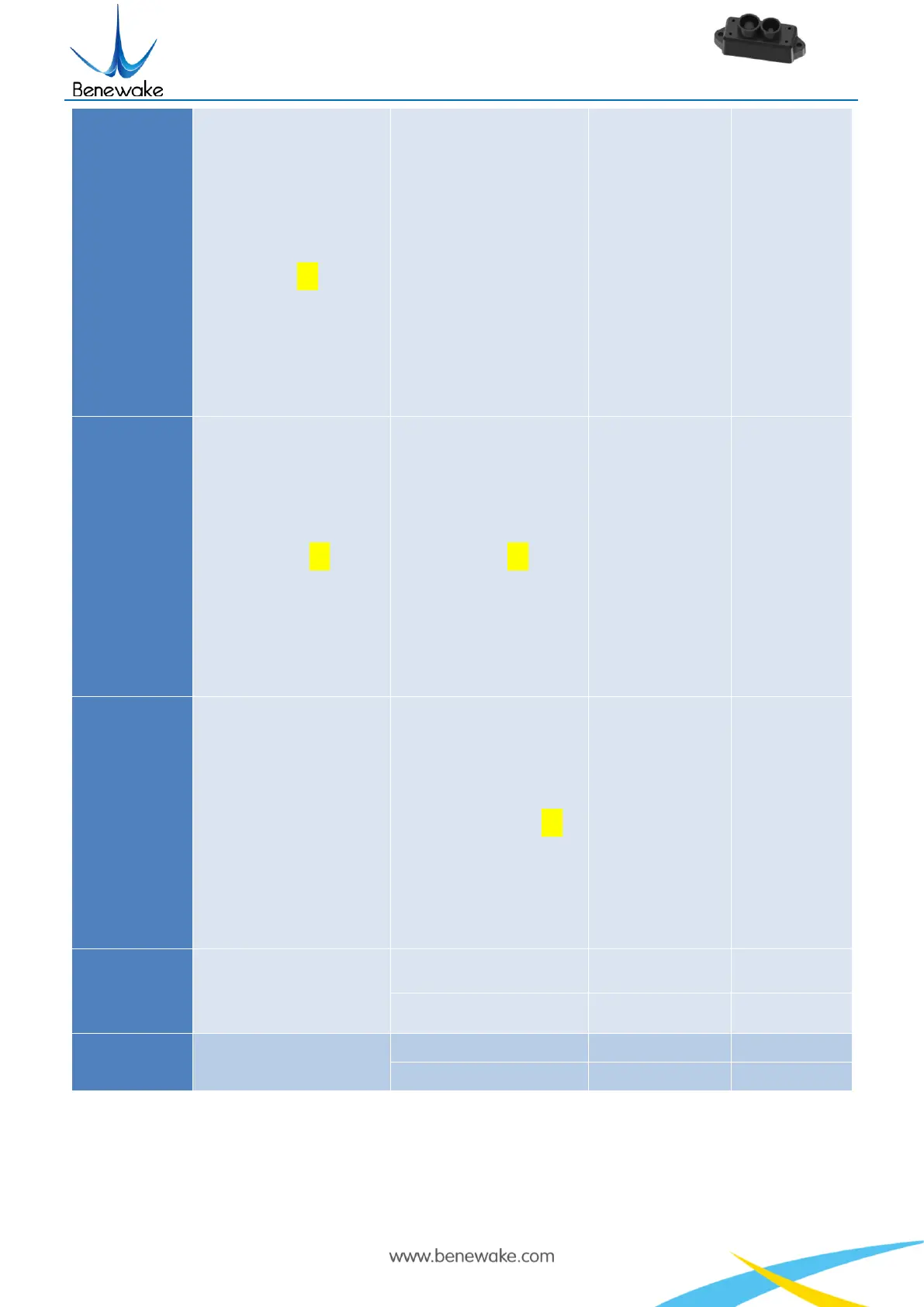
Note: Bytes with yellow undertone represents checksum.
The default update rate is 100Hz. The customized update rate should be calculated by the formula:
1000/n (n is positive integer). Increasing frame rate will decrease the data stability.

Related product manuals