11/ 2018
BENNING IT 105
26
►
►
►
I∆N nominal fault current (F4):
Press the function key F4 to select the nominal fault current:
Available nominal fault currents (sinusoidal testing current) :
10 mA 30 mA 100 mA 300 mA 500 mA
½ I∆N
1 I∆N
5 I∆N
- Connect the measuring leads to the BENNING IT 105 as shown in figures 4 or 5 and apply them to the
test object.
- Press the TEST key
4
to start the measurement.
- The measured tripping time is shown on the main display K.
8.6.3 Tripping current RCDI
- Select the desired function RCDI M with the rotary switch
1
.
- The symbols of the function keys F1 A to F4 D are briefly shown on the digital display
2
. You can
use the function keys F1 to F4
3
to make the following settings:
F1 F2 F3 F4
0° / 180°
– I∆N
0°/ 180° (F1):
0°: Testing current with positive initial polarity
180°: Testing current with negative initial polarity
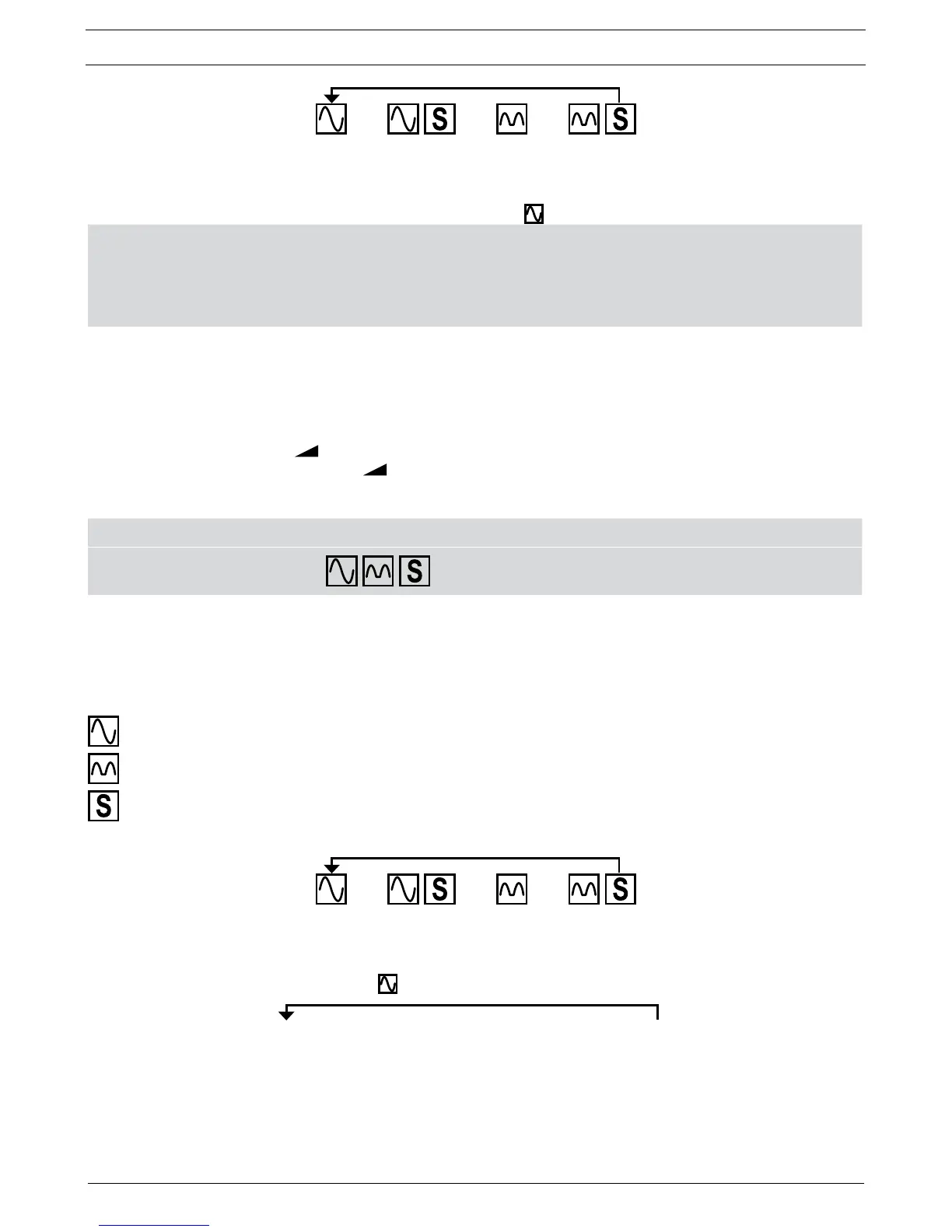
RCD type (F2):
sinusoidal test current
pulsating test current
selective (delayed) RCD
For testing selective RCDs, measurement starts after a time delay of 30 seconds.
►
►
►
I∆N nominal fault current (F4):
Press the function key F4 to select the nominal fault current:
Nominal fault currents at RCD type AC :
10 mA
►
30 mA
►
100 mA
►
300mA
►
500 mA
- Connect the measuring leads to the BENNING IT 105 as shown in figures 4 or 5 and apply them to the
test object.
- Press the TEST key
4
to start the measurement.
- The measured tripping time is shown on the main display K.



 To Next Page