BenQ DC 2410 User’s Manual
15
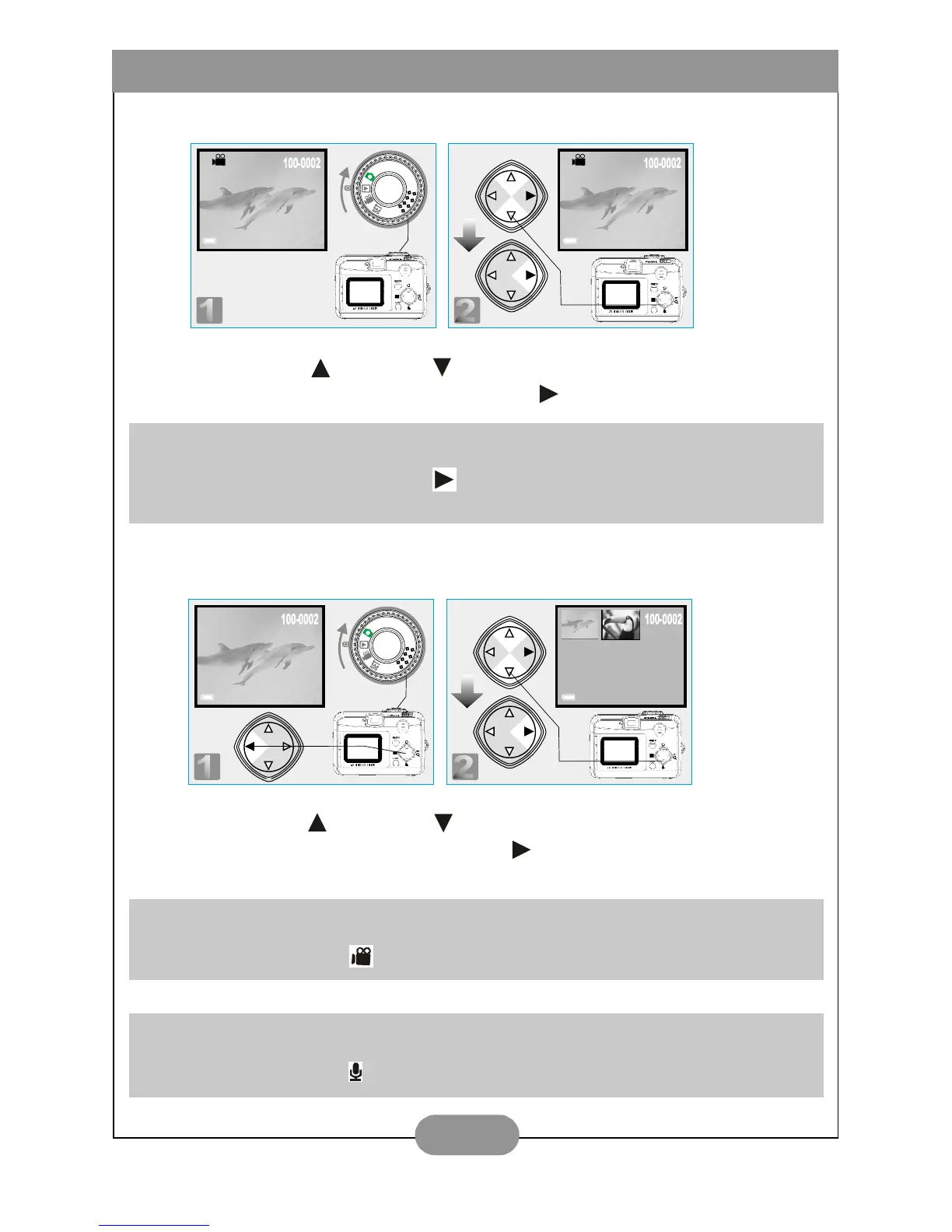
III. Playback of A Recorded Movie Clip
Press Up ( ) and Down( ) Direction Buttons to select a movie clip you
record and press Right Direction Button ( ) to play the movie clip.
IV. Thumbnail Images (Small Images) Display
Press Up( ) and Down( ) Direction Buttons to select an image or movie
clip and press Right Direction Button( ) to enlarge the selected image or
movie clip.
Note
You can press Right Direction Button ( ) to pause the playback and repress it to cancel
the pause.
Note
The appearance of icon of ( ) represents a movie clip, not a still image.
Note
The appearance of icon of ( ) represents a still image with voice memo.



 To Next Page