33 Menu operation
System
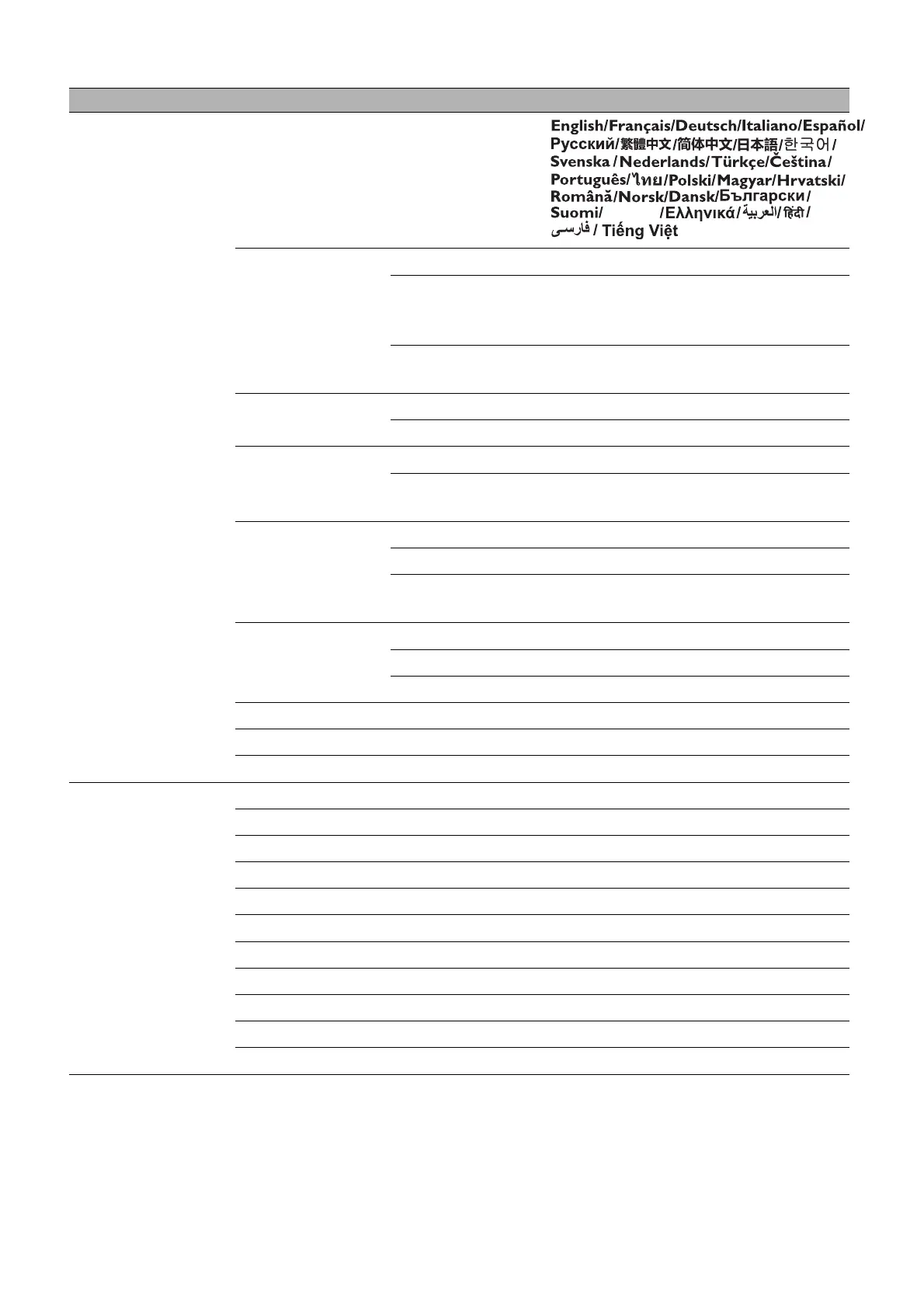
Language
Standby Settings
Standby Mode ECO/Network/Normal
Auto Disable
Network
Standby Mode
Off/20 min/1 hr/3 hr/6 hr
Audio Pass
Through
Off/Audio in/Audio L/R/HDMI
1/HDMI 2
Background
Settings
Background BenQ/Gray/Black/Blue/Purple
Splash Screen BenQ/Black/Blue
Menu Settings
Menu Type Basic/Advanced
Menu Display
Time
5 sec/10 sec/20 sec/30 sec/Always
Audio Settings
Mute On/Off
Volume
0~5~10
Power On/Off
Ring Tone
On/Off
Security
Settings
Panel Key Lock On/Off
Change Password
Power On Lock On/Off
Projector ID Setting Off/01/02/.../99
Factory Default Reset/Cancel
Reset System Reset/Cancel
Information
Native Resolution
Detected Resolution
Source
Picture Mode
Light Mode
3D Format
Color System
Light Usage Time
Projector ID
Firmware Version
Service Code
Main menu Submenu Options
Bhs Ind



 To Next Page