Operation38
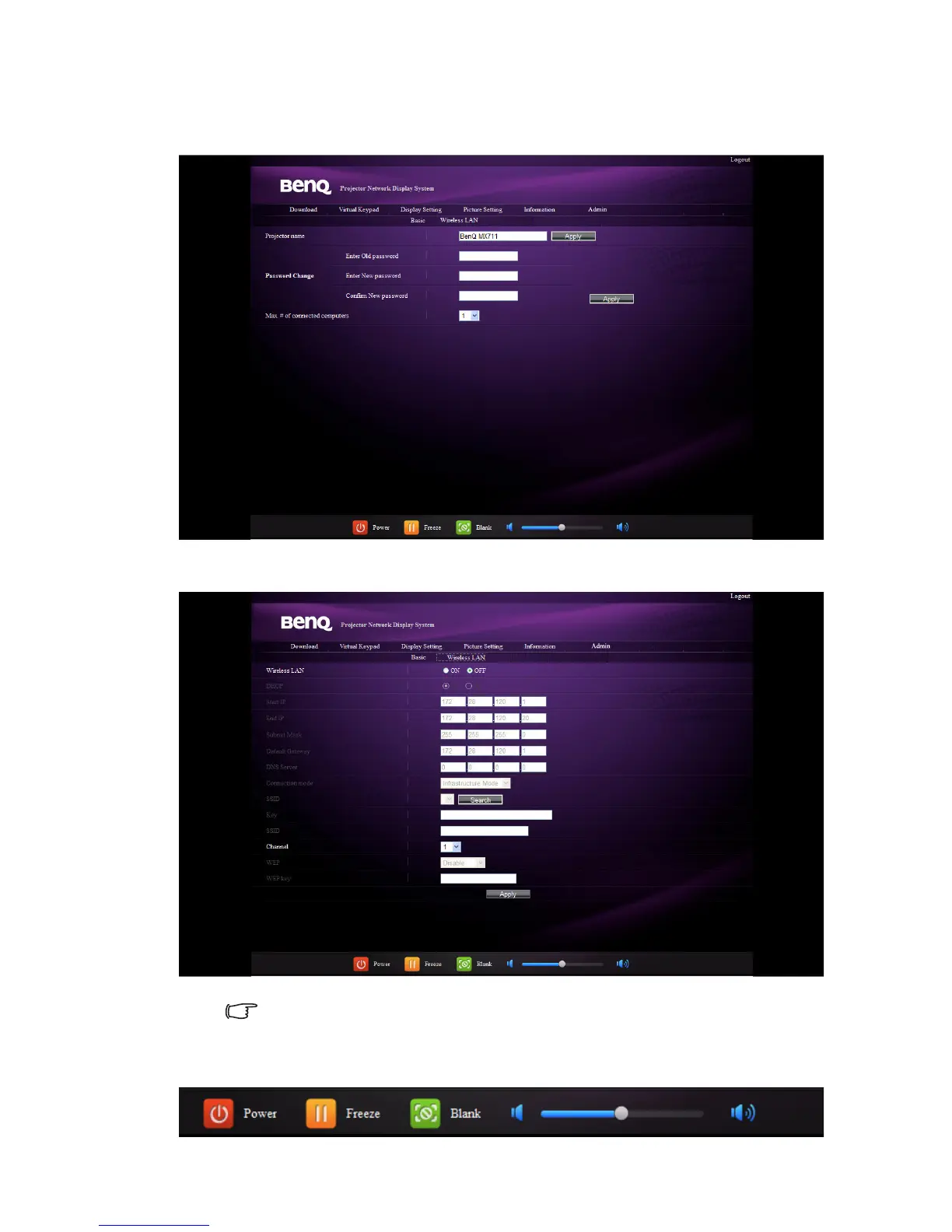
The Basic page allows you to change the password and set the maximum number of
connected computers. The number of connected computer may affect the network
display performance.
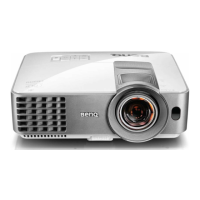
The Wireless LAN page allows you to adjust the Wireless LAN settings.
The maximum length for SSID is 16 bytes. Please use different SSID when more
than two projectors are connecting through wireless LAN.
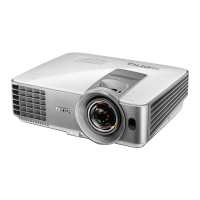
9. These quick buttons are always provided on the web page for you to operate the
projector.



 To Next Page