Operation 37
Adjusting the sound level
To adjust the sound level, press / , or:
1. Repeat steps 1-2 above.
2. Press to highlight Volume and press / to select a desired sound level.
Turning off the Power On/Off Ring Tone
To turn off the ring tone:
1. Repeat steps 1-2 above.
2. Press to highlight Power On/Off Ring Tone and press / to select Off.
The only way to change Power On/Off Ring Tone is setting On or Off here. Setting the sound mute or
changing the sound level will not affect the Power On/Off Ring Tone.
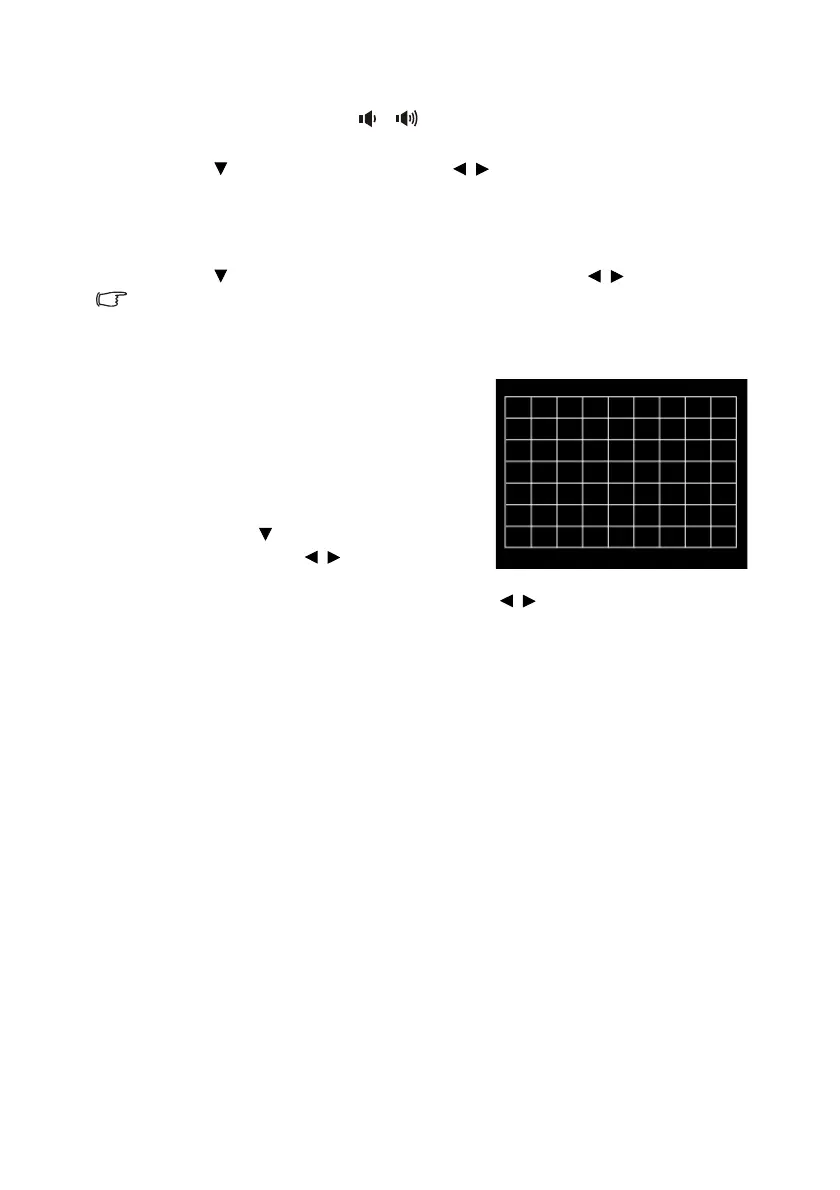
Using the test pattern
The projector is able to display the grid test
pattern. It helps you adjust the image size and
focus and check that the projected image is free
from distortion.
To display the test pattern, do one of the following
steps:
• Press QUICK INSTALL on the remote
control. Press to highlight Test Pattern
and press OK. Press / to select On.
• Open the OSD menu and go to the SYSTEM
SETUP: Advanced > Test Pattern and press / to select On.


 To Next Page