EasyManua.ls Logo

BenQ MX560 - Introduction; Wire Arrangement; RS232 Pin Assignment; Connections and Communication Settings

BenQ MX560
17 pages
Print Icon
To Next Page IconTo Next Page
To Previous Page IconTo Previous Page
Loading...
3
Introduction
The document describes how to control your BenQ projector via RS232 from a computer.
Follow the procedures to complete the connection and settings first, and refer to the
command table for RS232 commands.
Available functions and commands vary by model. Check the specifications and user manual of
the purchased projector for product functions.
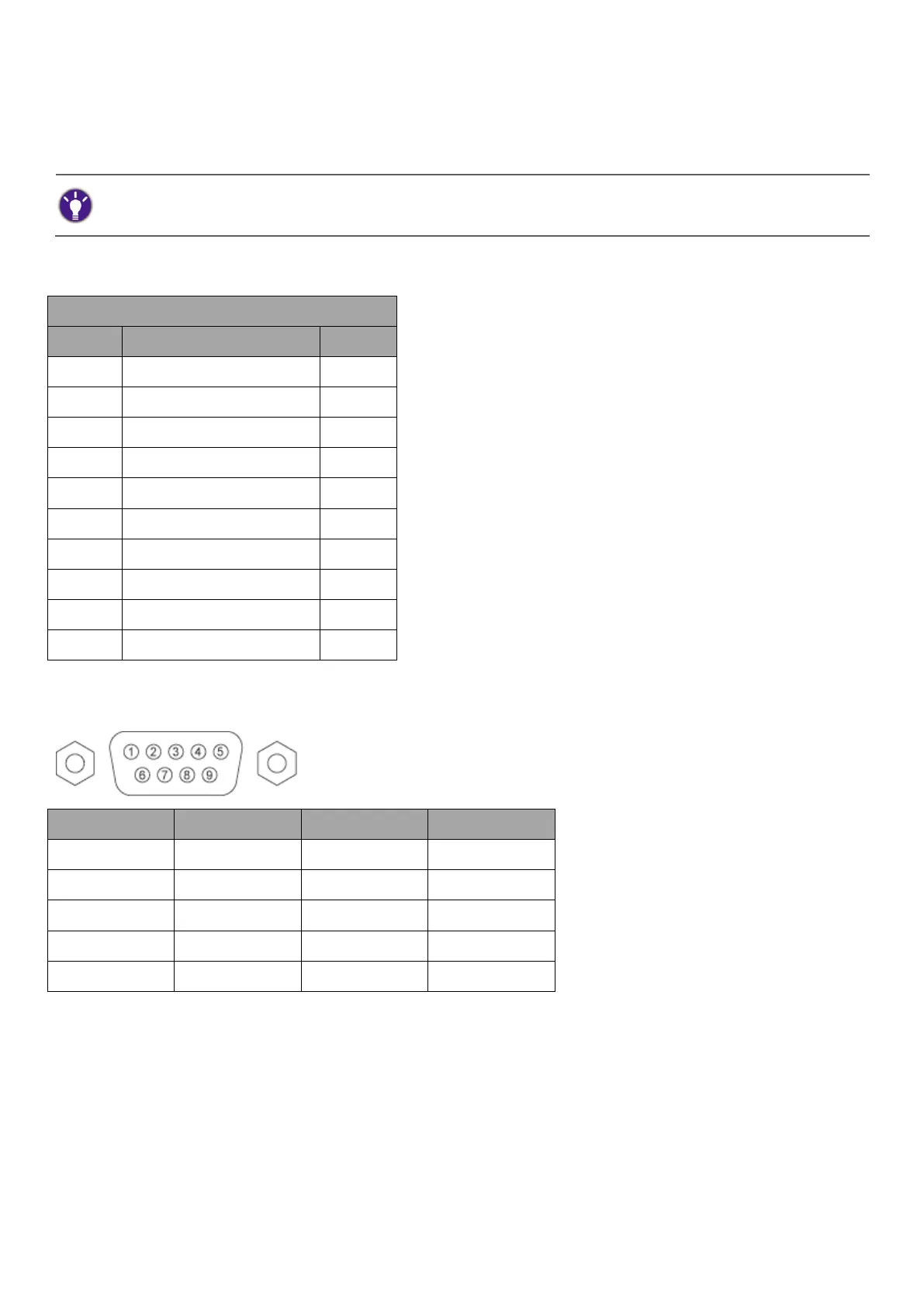
Wire arrangement
Wire Arrangement
P1
Color
P2
1
Black
1
2
Brown
3
3
Red
2
4
Orange
4
5
Yellow
5
6
Green
6
7
Blue
7
8
Purple
8
9
Gray
9
Case
Drain wire
Case
RS232 pin assignment
Pin
2
4
6
8
Connections and communication settings
Choose one of the connections and set up properly before RS232 control.

Related product manuals