Operation
58
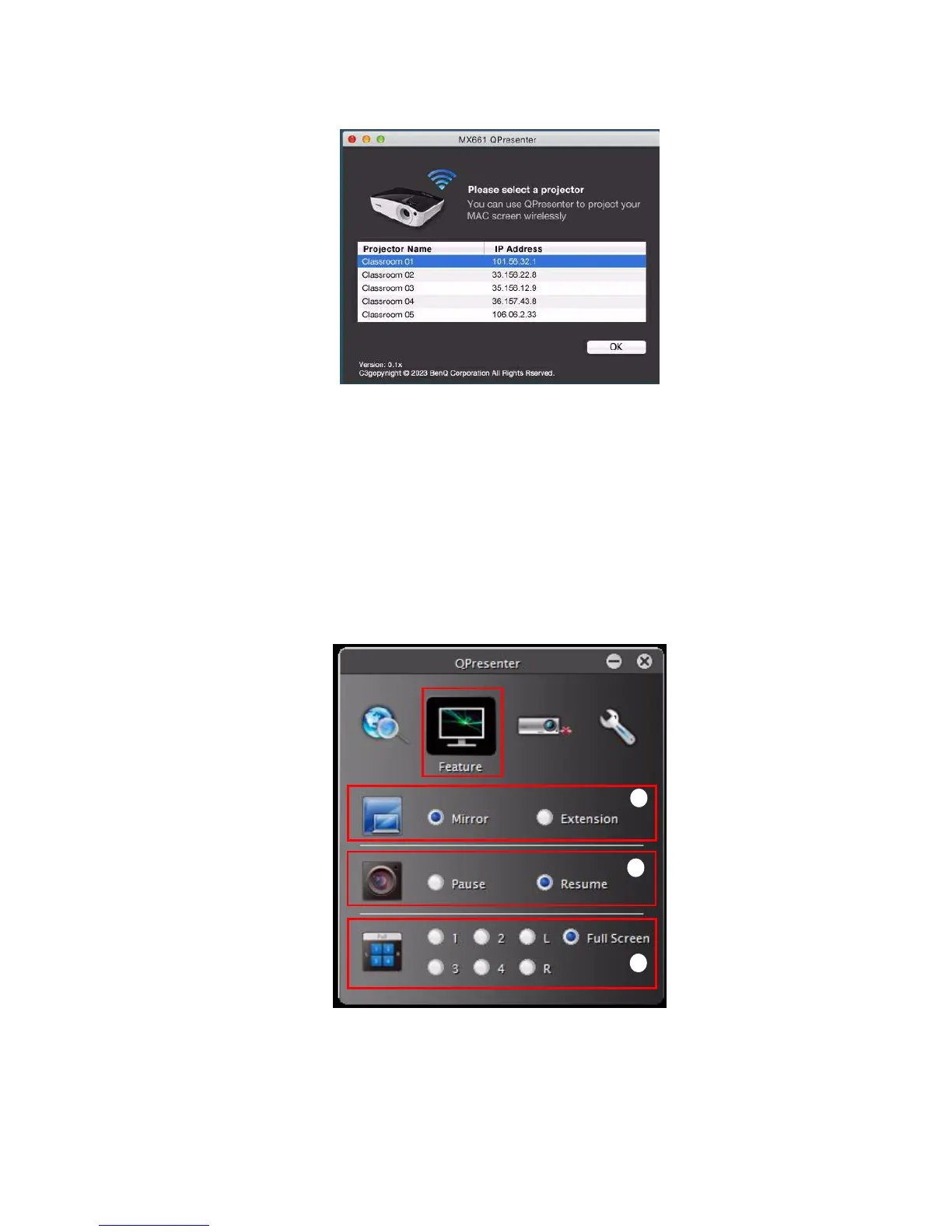
i. You can key in the IP address (see "Controlling the projector remotely through a
web browser" on page 48 for details.) to connect the network directly or click
“Search” to find the search results.
ii. You can activate audio streaming. MAC version is by keypad.
iii. Choose the IP address and click “Connect”. Then you should be able to see the
image on projector.
The Feature page allows you to manage the display image on your projector.
MAC version
Windows version
i
ii
iii



 To Next Page