Operation 59
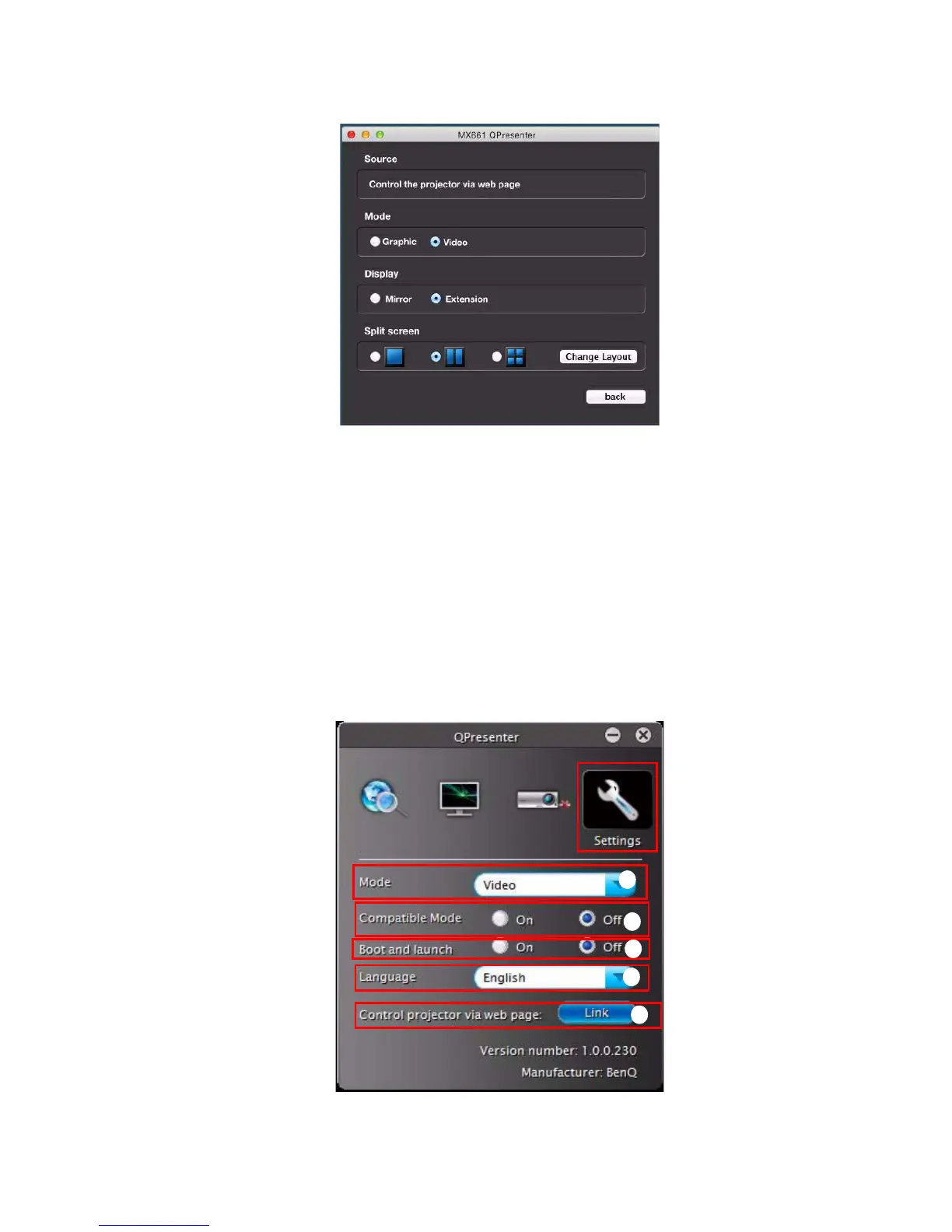
i. You can choose mirror or extension diplay your contents.
ii. You can select to Play/Pause displaying desktop contents to connected network
display.
iii. 4-1 Display (up to 4 computers can shoot to 1 projector at the same time). Click
the location you want to display. 4 locations can be chosen (1-4) or 2 places (L
and R) if it’s 2 computers. Once you click the place you want to display, the image
appers on th eprojector. You can change the location anytime you want, even
back to full screen or blank out.
The Settings pages allow you to configure the Q Presenter.
MAC version
Windows version
i
v
ii
iii
iv



 To Next Page