Maintenance56
16. Connect the power and restart the projector.
Do not turn the power on with the lamp cover removed.
Resetting the lamp timer
17. After the startup logo, open the On-Screen Display (OSD) menu. Go to the
SYSTEM SETUP: Advanced > Lamp Settings menu. Press ENTER. The
Lamp Settings page displays. Highlight Reset Lamp Timer. A warning message is
displayed asking if you want to reset the lamp timer. Highlight Reset and press
ENTER. The lamp time will be reset to “0”.
Do not reset if the lamp is not new or replaced as this could cause damage.
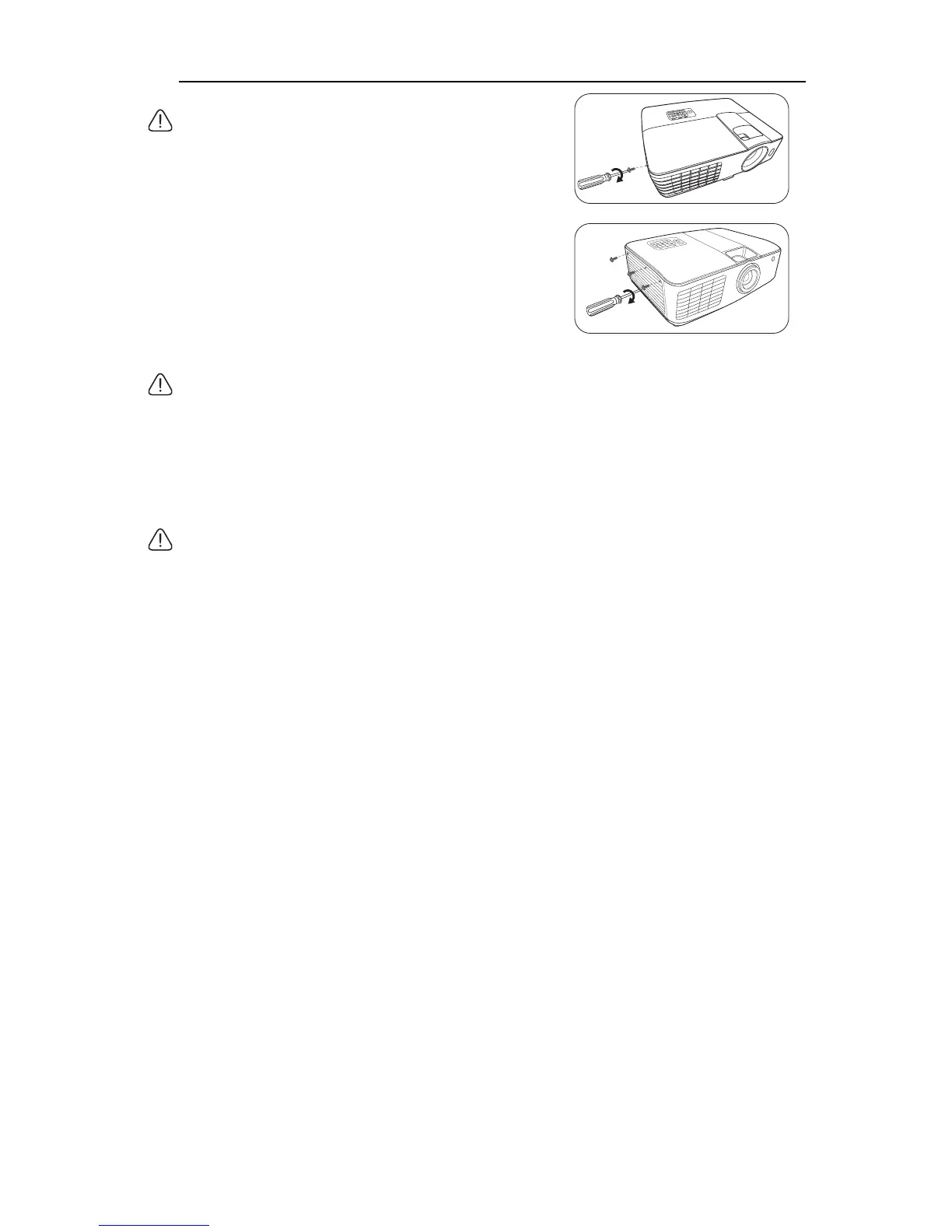
15. Tighten the screw(s) that secures the lamp cover.
• Loose screw may cause a bad connection, which could result
in malfunction.
• Do not over tighten the screw.
MX717
MX716



 To Next Page