Android system interface
41
Android system interface
Note that this is a closed Android OS. Download and use of unauthorized apps on this system
are not available.
Main interface
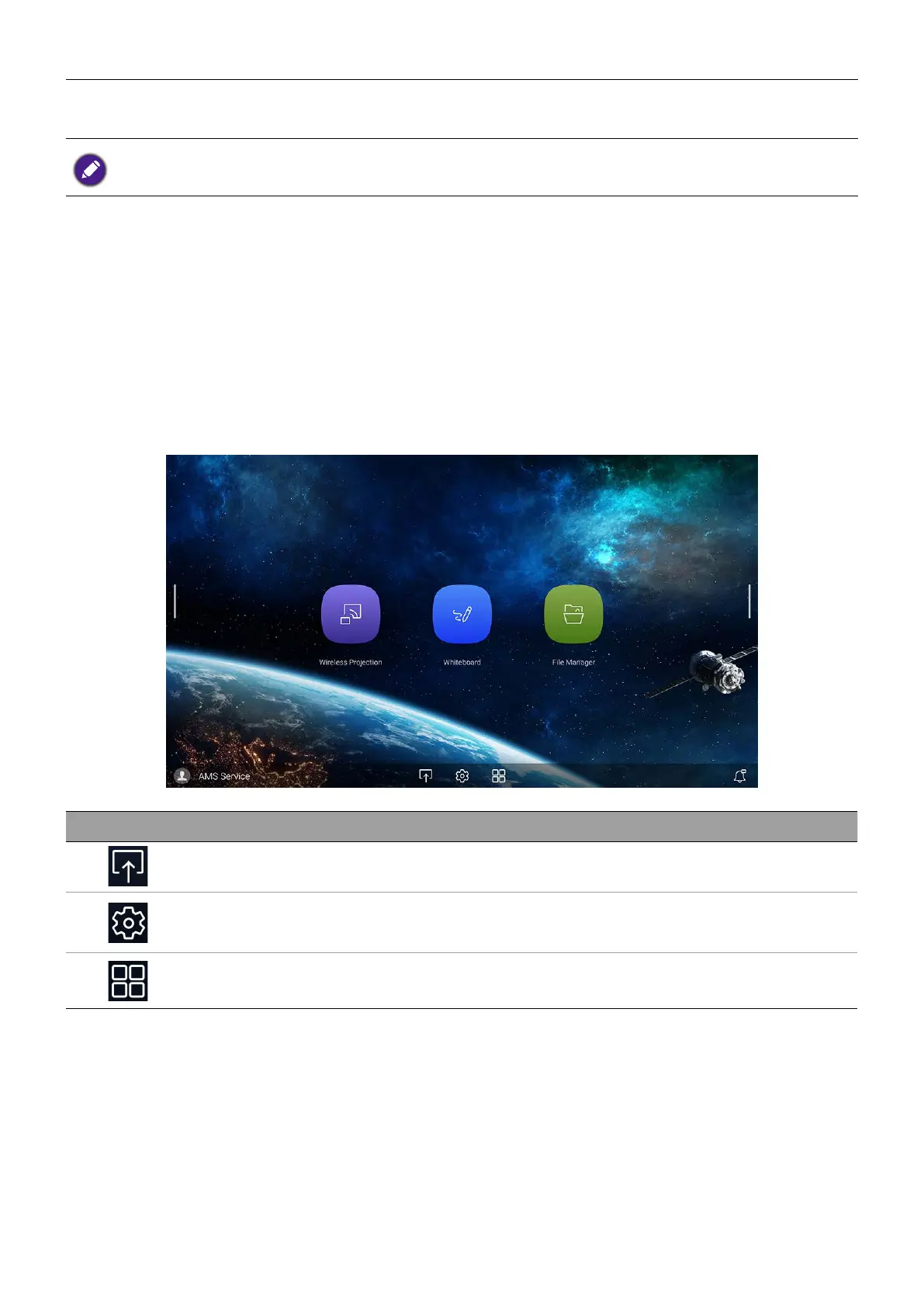
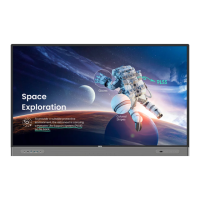
The display launches the Android main interface by default. To navigate the Android main
interface:
• Press
Home
on the remote control or Home button on the front panel to return to
the main interface.
• Press
Menu
on the remote control or drag the OSD menu up from the bottom-center
of the screen to enter the OSD menu to select an input.
Icon Function Descriptions
Source Press to enter the Connection menu to set input source.
OSD Settings Press to open or close the OSD settings menu.
All Apps Press to access all apps and widgets.



 To Next Page