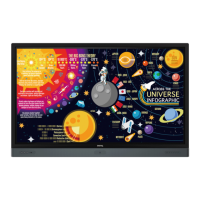
Android system interface
48
No. Item Description
1. Source Selection
You can open files from the cloud storage services like
Google Drive, Dropbox, or Network Drive.
You can also open files from the local devices like
Internal, My Folder, or connected USBs.
2. Folder Path You can browse the file folder in this area.
3. Listing Files
You can see a list of files from the storage device you
select.
4. Operating Tab You can edit the files using the operating tabs here.
Regular users can only view their own files, while the local admin can view all users’ files in the
domain.


 To Next Page