Parts and Functions 9
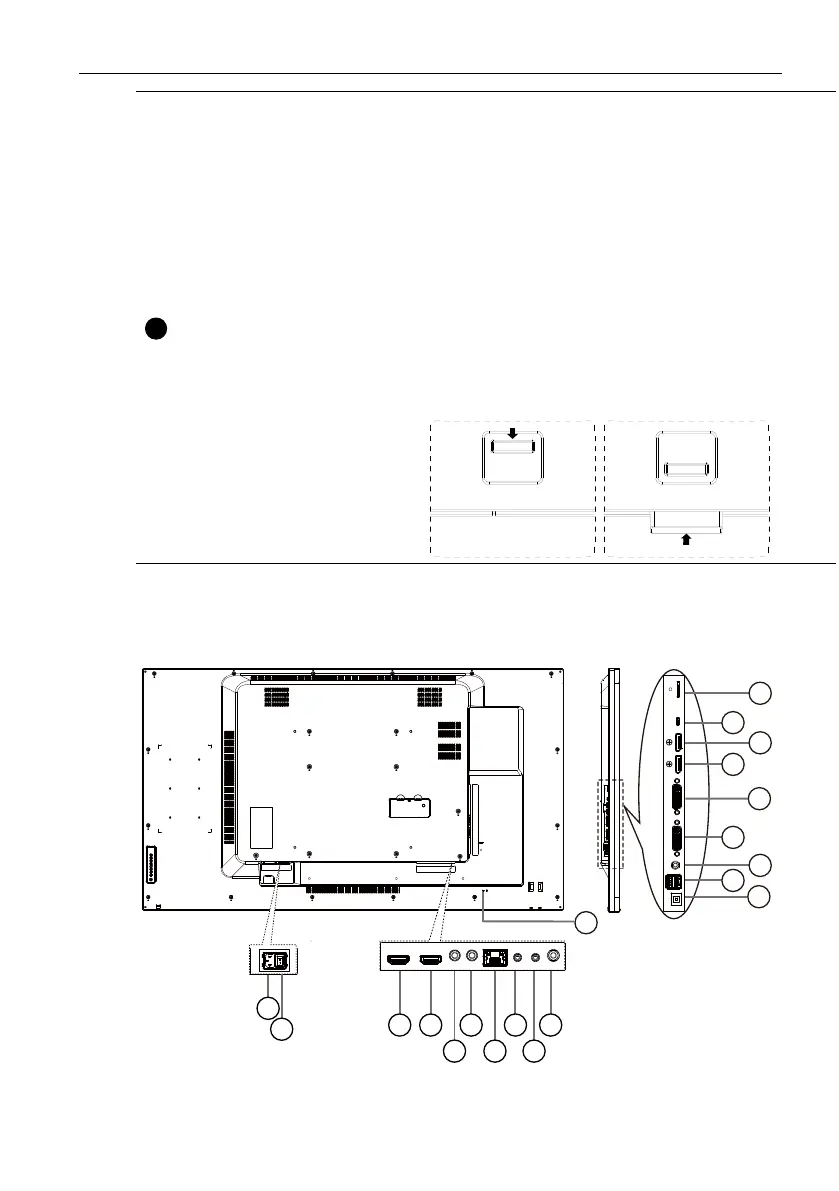
Remote control
sensor and power
status indicator
• Receives command signals from the remote control.
• Indicates the operating status of the display:
- Lights green when the display is turned on
- Lights red when the display is in standby mode
- Lights amber when the display enters sleep mode
- When SCHEDULE is enabled, the light blinks green and red
- If the light blinks red, it indicates that a failure has been
detected
- Lights off when the main power of the display is turned off
• Pull down the lens to have better remote control performance
and easy to observe the light information of power status.
• Push up the lens before mounting the display for video wall
application.
• Pull/Push the lens until hearing the click sound.
Input/Output Terminals
11
12
13
16
18
17
19
15
20
1
43 6
5
8
7
10
9
14
2



 To Next Page