Signage display40
Signage display
Setting
Setting main items:
1. Wi-Fi
2. Ethernet
3. Proxy
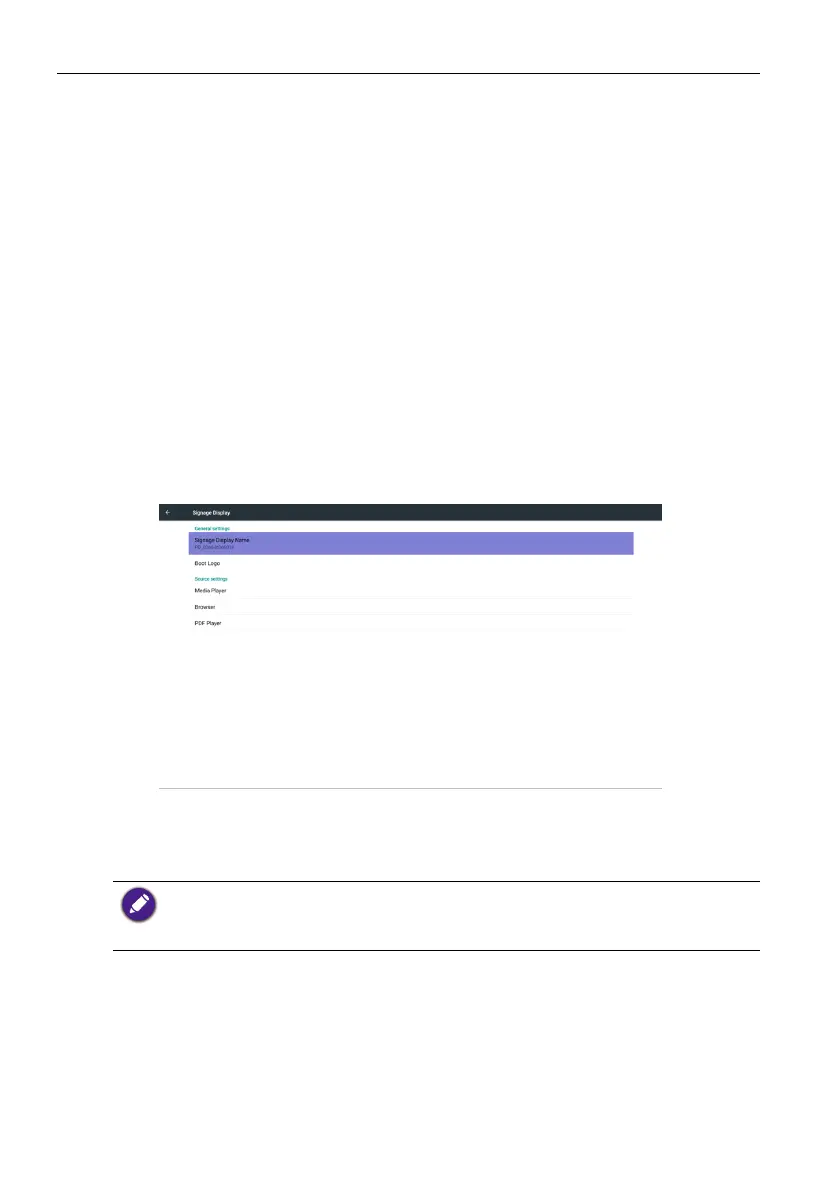
4. Signage Display
5. System Tools
6. Display
7. Storage
8. Apps
9. Date & time
10. Developer options
11. About
Wi-Fi
Via Enable/Disable to control Wi-Fi On/OFF. After Enable, the screen will
list all available WiFi AP.
1. Please make sure your Wi-Fi dongle is approved by BenQ.
2. Ethernet will be disable automatically if Wi turn on and connect to network.
3. For wireless connection, BenQ shipment does not include wireless dongles, therefore, you
may purchase it seperately via the local dealer.
Press Options key on RCU:



 To Next Page