16
Positioning your projector
English
• SW921+
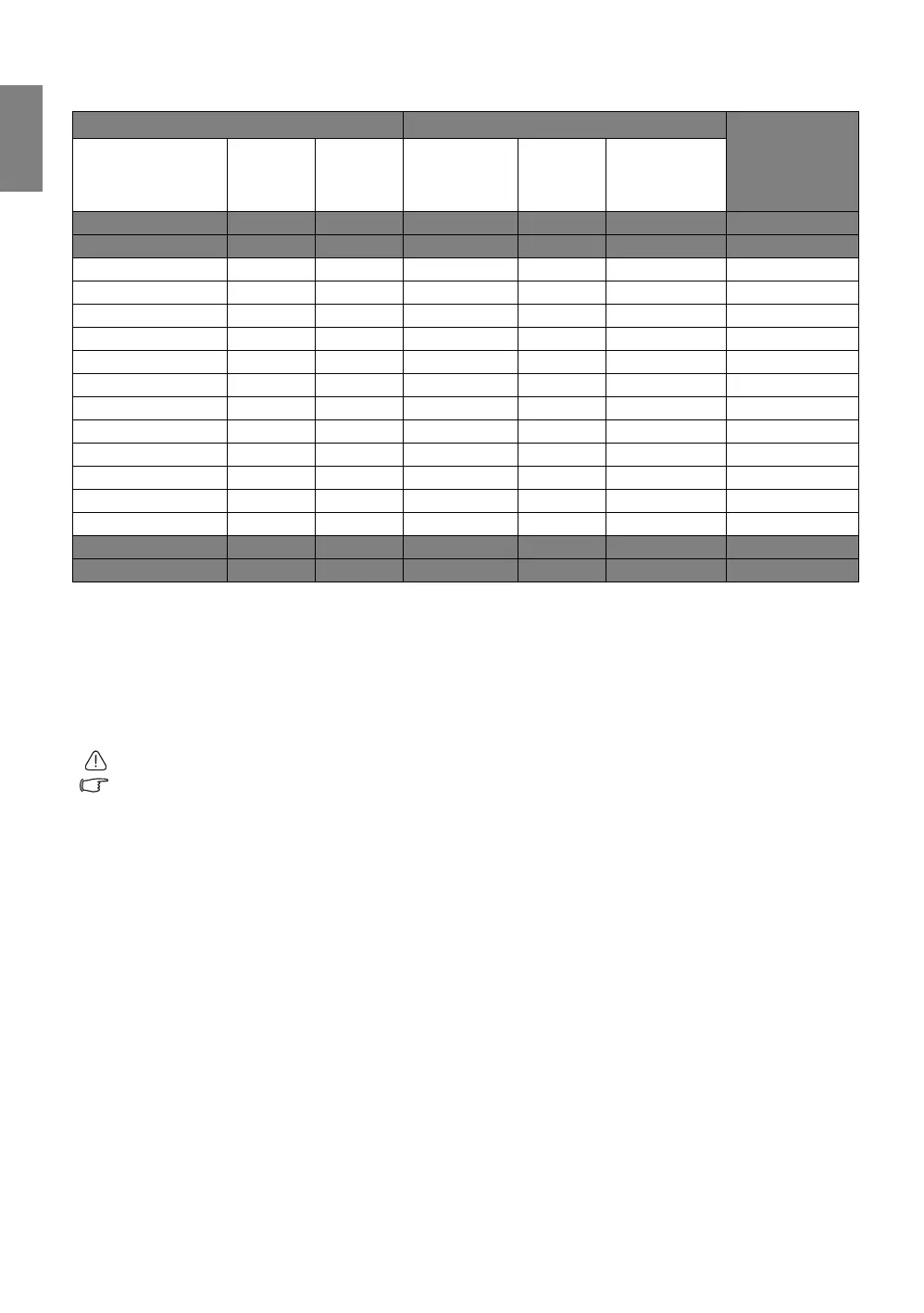
If you have a 16:10-aspect-ratio screen and your measured projection distance was 3.5 m (350 cm), the
closest match in the "Average" column is 346 cm. Looking across this row shows that a 110-inch screen
is required.
Checking the min and max projection distance values in the columns of "Projection distance <D> [cm]"
indicates that the 3.5 m measured projection distance will also fit the 100, 120, 130, and 140-inch screens.
The projector can be adjusted (using the zoom control) to display on these different screen sizes at the
projection distance.
To optimize your projection quality, we suggest to do the projection within non-gray area.
The above numbers are approximate and may be slightly different from the actual measurements. Only the
recommended screen sizes are listed. If your screen size is not in the table above, please contact your dealer
for assistance.
Screen dimensions Projection distance <D> [cm]
Lowest/
Highest lens
position <E>
[cm]
Diagonal
<A>
[inch (mm)]
Height
<B>
[cm]
Width
<C>
[cm]
Min distance Average Max distance
30 (762) 41 65 73 95 117 3.0
40 (1016) 54 86 97 126 156 4.0
60 (1524) 81 129 145 189 233 6.1
80 (2032) 108 172 193 252 311 8.1
100 (2540) 135 215 242 315 388 10.1
120 (3048) 162 259 290 378 466 12.1
140 (3556) 189 302 338 441 543 14.1
150 (3810) 202 323 362 472 582 15.1
160 (4064) 215 345 386 504 621 16.2
170 (4318) 229 366 411 535 660 17.2
180 (4572) 242 388 435 566 698 18.2
190 (4826) 256 409 459 598 737 19.2
200 (5080) 269 431 483 629 776 20.2
240 (6096) 323 517 579 755 931 24.2
250 (6350) 337 539 604 787 970 25.2
300 (7620) 404 646 724 944 1164 30.3



 To Next Page