A
A
B
B
A
B
30mm
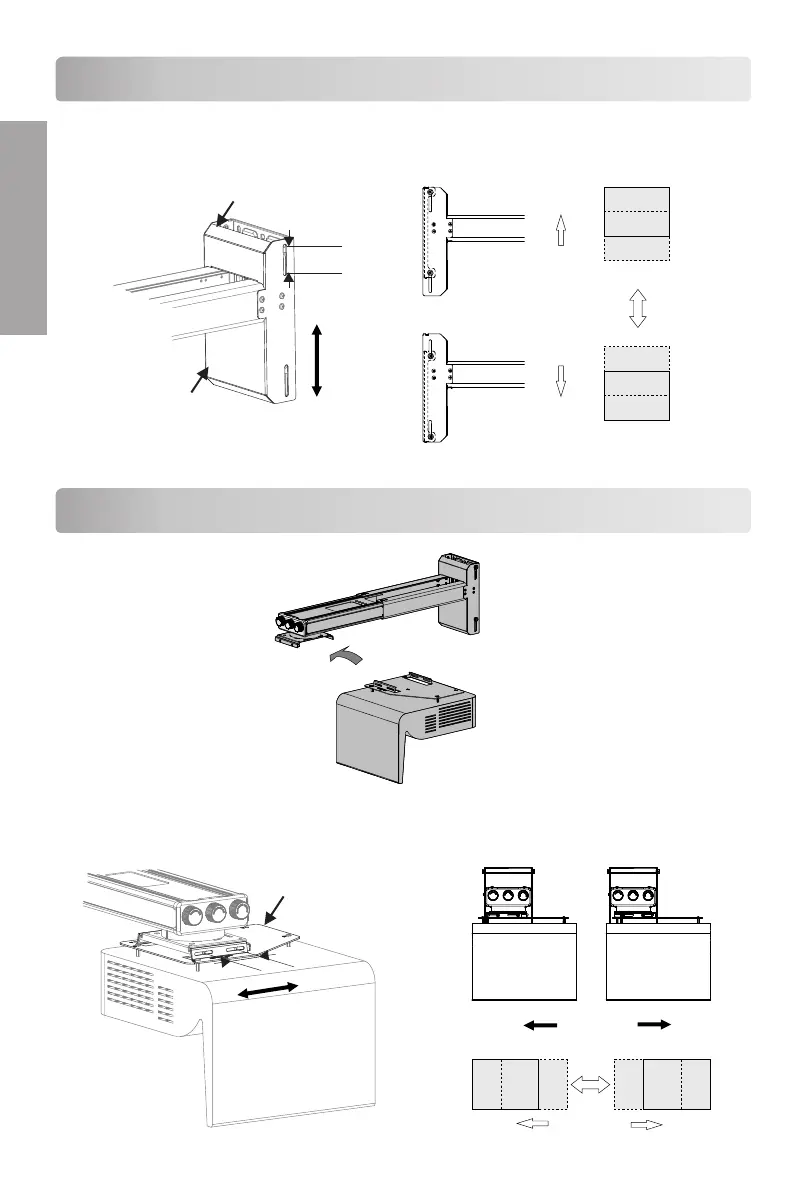
Adjust the leftward/rightward
slide:30mm
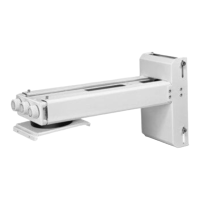
To Set The Projector Wall Mount On The Wall
● Move the mouting plate and adjust the leftward/rightward slide.
● Move the raised Wall plate and adjust the upward/downward slide.
Adjustment direction
A
B
A
B
Adjust the upward/downward
slide: 40mm
40mm
Wall cover
Adjustment
direction
To Install The Projector On The Projector Wall Mount
E N G L I S H


 To Next Page