> Recording on video tape
18
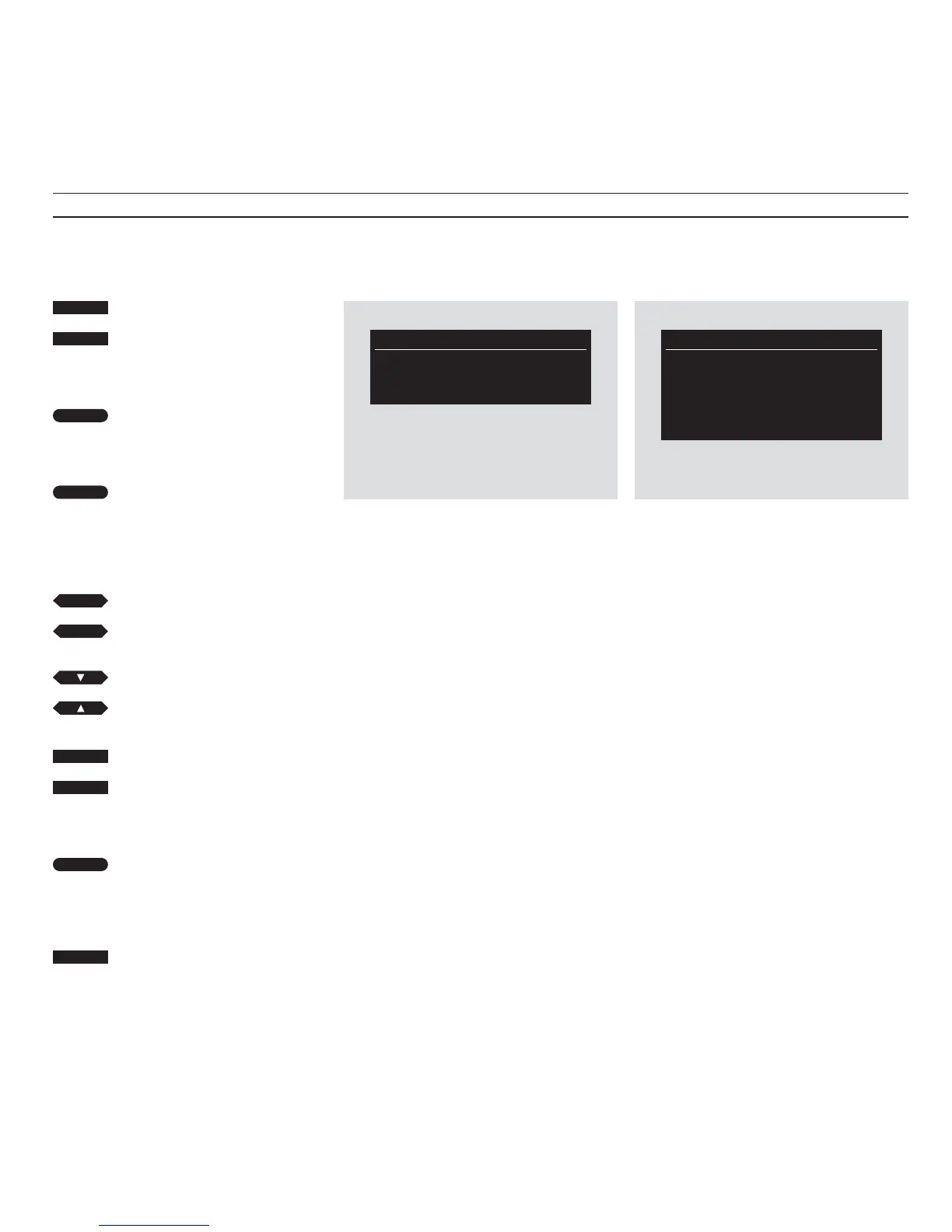
Record Index
. V.tuner 10:00 18 Dec
. V.tuner 21:00 24 Dec
. ....... ..... ......
Record V.Tape
V.Tuner 1
Start 14:00 Stop 15:25
Which date: Jun 4 Thu
Speed: SP Store
Switch on the video tape recorder
Call up the main menu
The item Timer recording lights up
in red
Press to call up the Record Index
The dotted lines in the Index are lit
up in red:
Press to call up the Timer record
menu
When the Timer record menu
appears, proceed to fill in the data
for the recording you wish to make:
Press to move the red text from item
to item in the menu
Press to reveal other options
Use the number buttons to fill in the
program number, start and stop
times
When you have filled in the data
required, move the red text to Store
Press to store your timer recording
The Record Index reappears, now
including the timer programming
you have just made
Press to remove the on-screen menus
The Record Index shows the timer programmings
you have made
Before you start
If you are not familiar with using the BeoCord VX
7000 on-screen menus, it may be a good idea to
read page 7 before you go on.
The BeoCord VX 7000 video tape
recorder can be programmed to start
and stop recording automatically, at any
time you specify.
It can be programmed to record both
TV and satellite programs (and radio
programs, if it is connected to a
compatible Bang & Olufsen audio
system).
To program the BeoCord VX 7000 to
make a recording, you must use the
special menus for timer recording.
Press V.TAPE then MENU on the Beo4
remote control to call the main menu for
the video tape recorder up on the
screen.
The Timer record menu allows you to program a
new recording
When the main menu appears, press
GO to access the menus for timer
recording.
The Record Index then appears on the
screen. Any timer recordings which
may already have been programmed
into the VX 7000 will be listed here.
If you press GO immediately, you will
get access to the Timer record menu, in
which you can program a new
recording.
Then proceed to fill in the information
for the timer recording you wish to
make...
Timer recording
V TAPE
MENU
then
then
GO
GO
or
tt
ss
or
0
9
through
GO
EXIT


 To Next Page