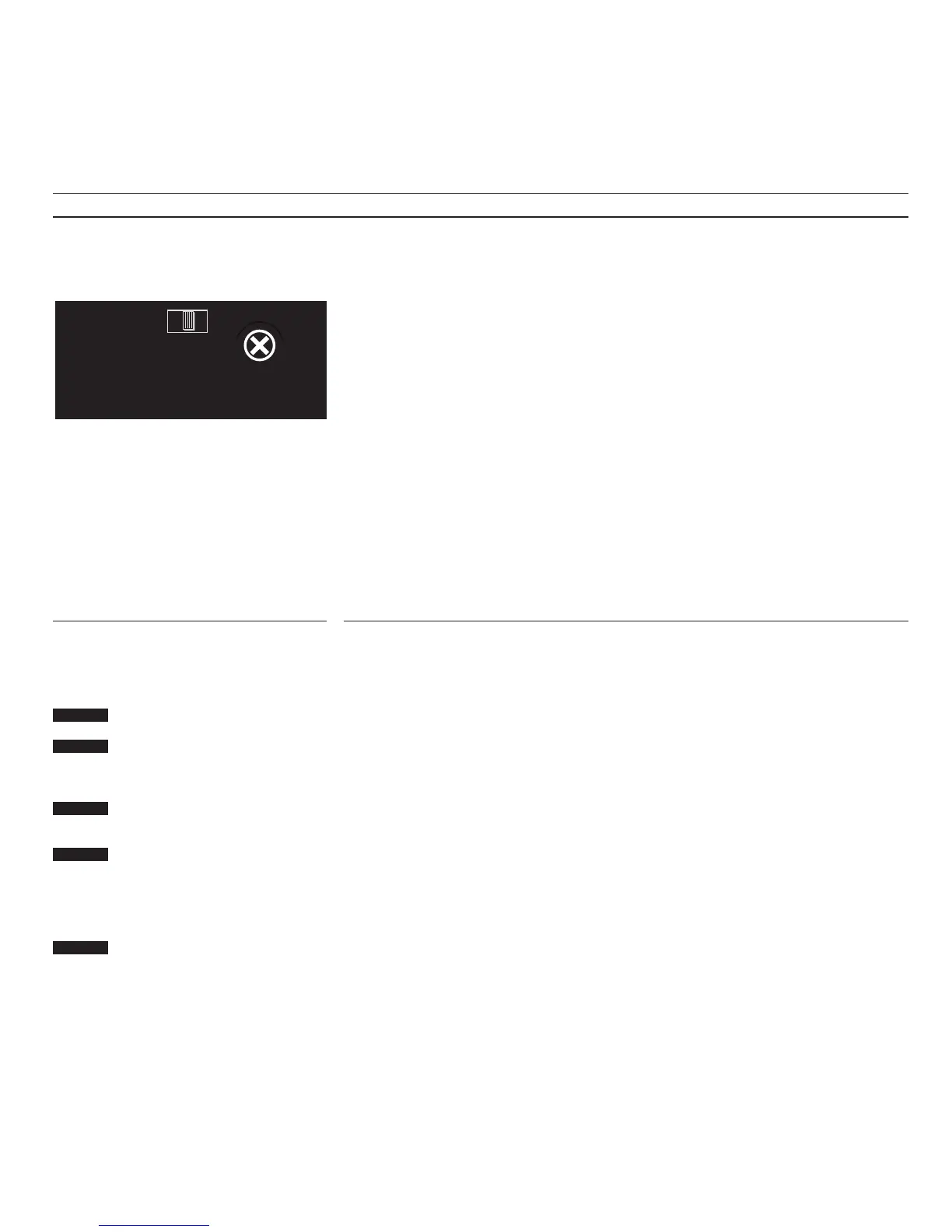
Adjusting the recording level
When you record a TV program from
the video tape recorder’s own tuner, you
need not adjust the recording level. This
is done automatically.
If you record from an external source,
the recording level must be adjusted
manually.
To do so, you must use the recording
level adjustment screw, marked
RECORD LEVEL, on the rear panel of
the BeoCord VX 7000.
The recording level is only read out
when the video tape recorder is in
recording pause. The stand-by indicator
on the front of the VX 7000 blinks
whenever the zero (0 dB) level is
reached.
Note: We recommend that you aim to keep the
level so that the indicator blinks only occasionaIIy.
Note: The normal setting of the recording level
adjustment screw is in its ‘click’ position.
Using the VX 7000 for an audio only recording
An audio-only recording can be made
from an audio source in your Bang &
Olufsen Audio/Video System, meaning
that only sound will be recorded on the
video tape.
When playing back the tape, the VX
7000 automatically switches to audio
mode. If the TV is on, you will then see
just a blue screen.
If you want to play back the tape via
your Bang & Olufsen audio system,
press AV then V.TAPE to do so.
Make sure the TV is in stand-by...
Press to switch on the audio source
you want to record,
for example radio
The TV is now in audio mode
Select the radio program number
you want, for example 3
Press to switch the video tape
recorder to recording pause
The VX 7000 automatically switches
to audio mode
Press again to start recording...
Note: The VX 7000 records at half the usual speed
(LP) in audio mode. This enables you to record
uninterruptedly for up to eight hours if you use
an E240 tape. The sound recorded will be of very
high quality.
Note: The VX 7000 and your BeoVision TV must be
switched to stand-by when you select the audio
source, otherwise both sound and picture
(simulcast) will be recorded.
Note: You must use the recording level
adjustment screw (see above) to set the recording
level.
Recording level adjustment screw
AV
RADIO
then
3
RECORD
RECORD
then


 To Next Page