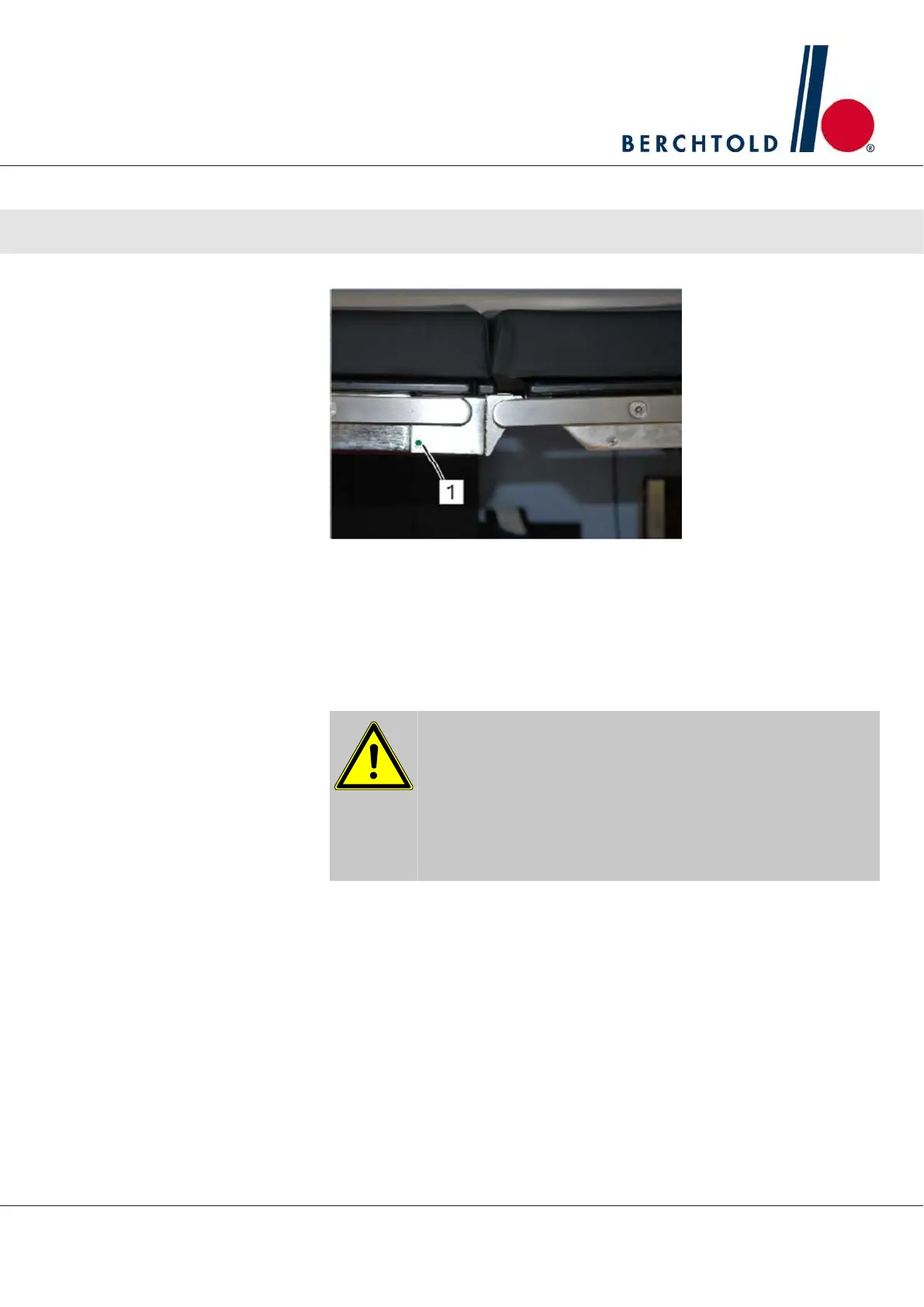
1. Carefully slide the section onto the bracket until it snaps into place on
both sides. The green markings (1) on both sides of the section frame
are visible..
2. Make sure the section is seated firmly by pulling out on both sides.
CAUTION! If the green marking on the module frame is not visible, then
the module is not completely locked in place.
CAUTION
Risk of section detachment and patient/user injury is possible if
the section is not securely locked. If the green markings on both
sides of the section frame are not visible, the section is NOT com‐
pletely locked into place.
Operator Manual Surgical Mobile Operating Table Models D860, D850, D 830, D820, D770, D760
Installation and initial start-up
19








 To Next Page