GB
23
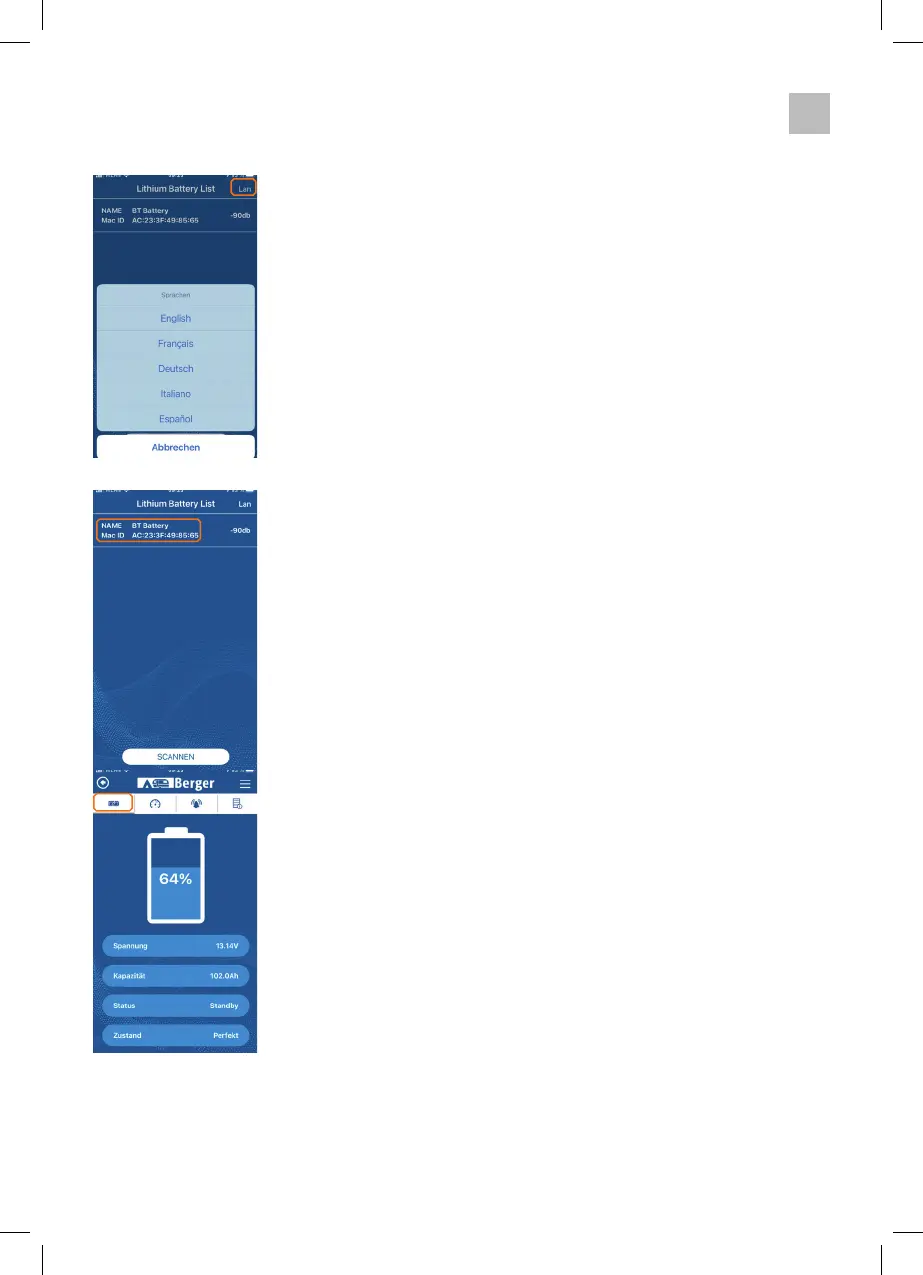
The individual pages of the Berger BT Lithium app:
Tapping the Lan button in the top right-hand corner opens the the
language selection menu opens.
Selection list of batteries in the vicinity.
Here you can see the name of the battery (if assigned) and the MAC
address of the Bluetooth module. By tapping the MAC address of your
battery (you will find the MAC address of your battery on the small
sticker of the battery), the app connects to the battery.
If no MAC addresses are displayed, press the
Scan button.
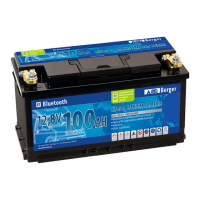
If your battery is still not displayed, check the voltage of the battery, it
may be disconnected.
Current state of charge (SOC) in %.
Current voltage in volts
Total capacity of the battery in Ah
Current operating status
Battery status


 To Next Page