Continuous red:
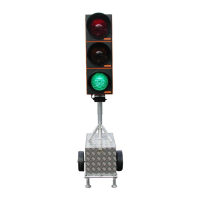
Continuous green:
Automatic:
Select
in the hand box. The selected signal head switches to continuous red (e.g. for
moving a vehicle around in the construction site or when felling trees).
CAUTION! You must activate a defined status at both signal heads to avoid any
misunderstandings in the construction site traffic! For example, if you switch
signal 1 to "red", then you must set signal 2 either to "red" as well, or to "green".
Please repeat the appropriate input at the other signal head. To stop the continuous
red mode, switch back toAutomatic as described above.
Select
in the hand box. The selected signal head switches to continuous green (e.g. to
release a traffic jam).
CAUTION! You must activate a defined status at both signal heads to avoid any
misunderstandings in the construction site traffic! For example, if you switch
signal 1 to "green", then you must set signal 2 to "red" beforehand. Please repeat
the appropriate input at the other signal head. To stop the continuous green mode,
switch back toAutomatic as described above.
To leave the manual mode, press "OK" at every signal:
Now you can switch the hand box off. Use "2" or "4" to go to the menu point "Box
off" and press "OK" to confirm. The hand box switches off.
Red
>ok<
Green
>ok<
Auto
>ok<
Box off?
>ok<
8


 To Next Page