Parallel signal heads
If repeat signals are to be erected on the left-hand side of the carriageway, or if two
synchronised signals are to be erected on the opposite side, you can use parallel signal
heads for this purpose. Synchronised parallel signal heads can be programmed for
traffic control as alternating one-way traffic, at T-junctions and also at crossroads.
To do so, after switching the hand box on, activate the submenu parallel signal heads
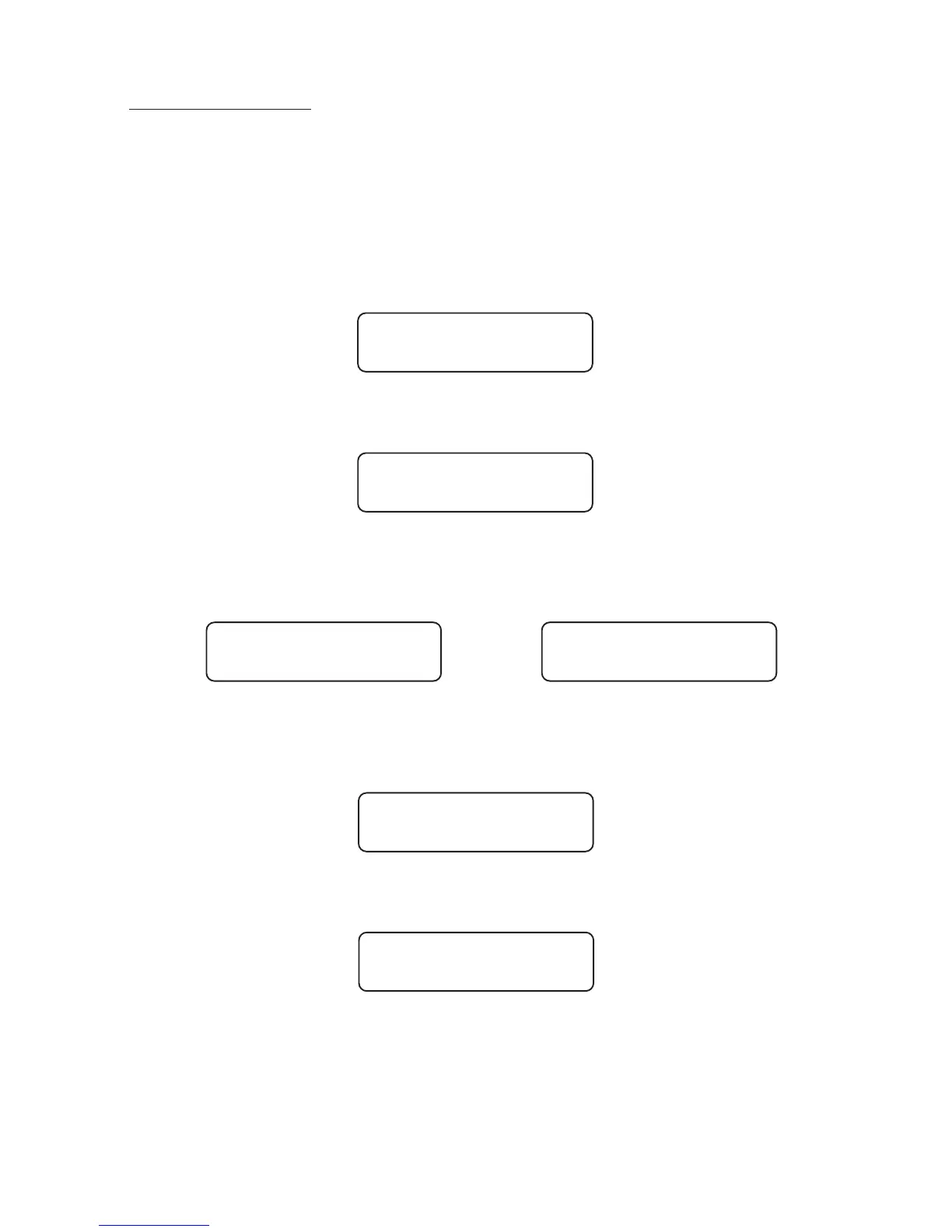
"par.sig.". To do so, press "2" to go back in the menu until you see
in the display. Press "3" to activate the inputs for parallel signal heads. ("1" would
deactivate this choice again). The display shows
Press "4" to move on in the menu and now define the time phases necessary for the
procedure as described above. You can then allocate the time inputs for each group to
up to max. 9 synchronised parallel signals.
>>>>>>
After entering the required number of parallel signal heads in the required groups, you
can now program them according to your allocation and as described above. You will
now see the corresponding menu for each signal head.
This already completes all the inputs for traffic control with parallel signal heads.
Press >OK< to switch the hand box off.
"1H1" stands for group 1 head 1. Press >OK< to start data transfer for every signal
head. Please check the procedure as described above and confirm with the following:
6
par.sig.
no
par.sig.
yes
Group 1
SigHd 2
Group 4
SigHd 9
Start
1H1 >ok<
Started?
yes >ok<


 To Next Page