Setting the Irrigation Duration
The irrigation duration is defined in hours and minutes. The irrigation
takes place on each day and start time as set in the previous programming
steps.
The
Icon appears on screen.
For setting the irrigation duration:
Press the
button the hours digits start flashing
Use the
and buttons to set the flashing value.
Use the
and buttons to move from the hours to
the minute’s digits and set the desired value.
Press the
button
Remark: The programming steps for the selected valve are completed.
In order to return to the main screen press three times on the button.
From the main screen you may repeat the above described steps in order
to set the irrigation program for the rest of the system’s valves.
For additional programming options and for irrigating percentage of an
existing program press the
button.
Irrigating a percentage of an existing program
When there is a need to change the irrigation duration for every month
of the year it is possible to set the percentage irrigation feature of the
controller (5% - 200%).
This feature helps to set the irrigation during weather changes without
changing the basic irrigation program.
Remark: These settings applied for all the
controller’s valves.
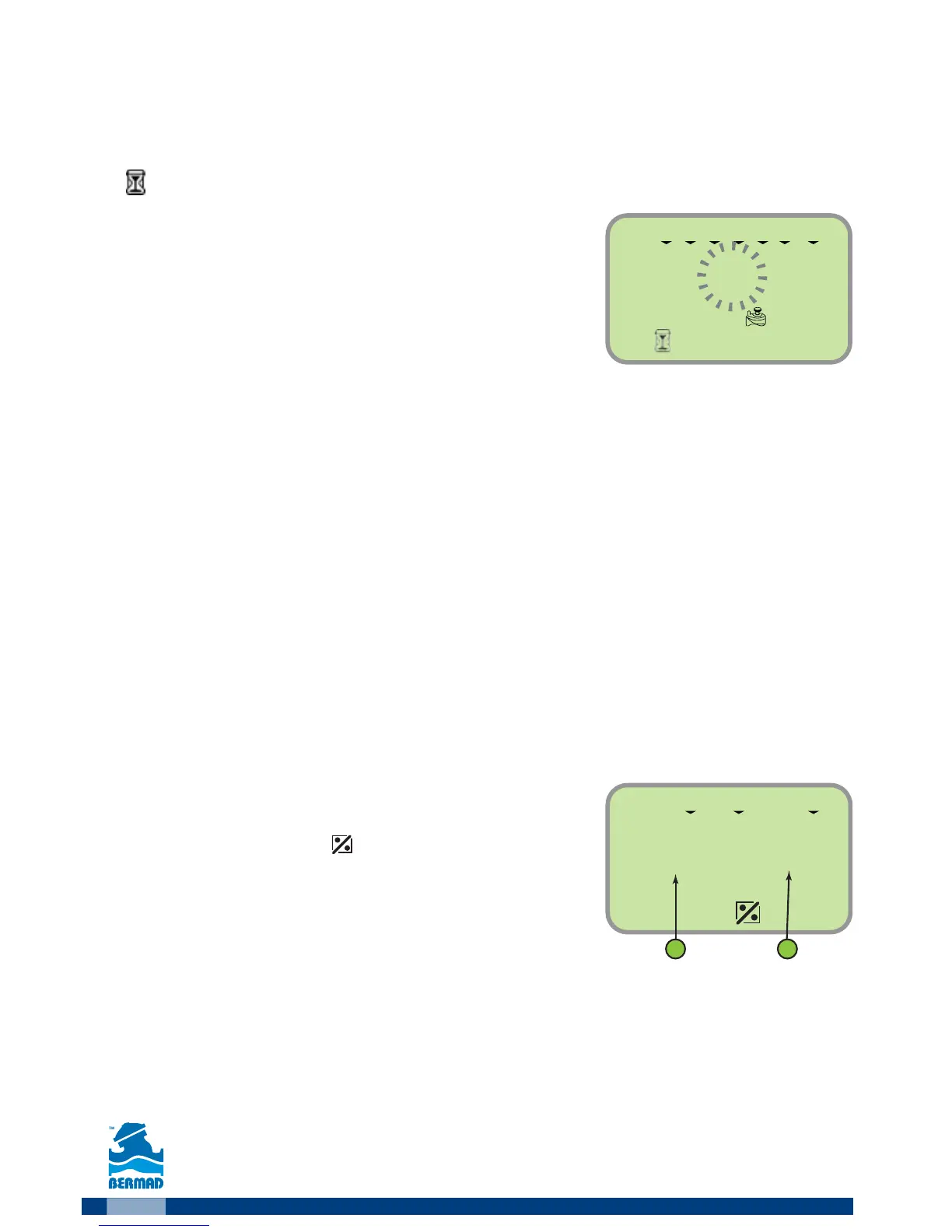
The screen displays the
icon, the month (1) and
the irrigation percentage (2).
Example: the figure depicts a setting for
irrigating 100% of the program during the
month of June.
1. For changing the settings press
The percentage value starts flashing.
2.
Use the and buttons to set the required percentage for the displayed month.
3.
Use the and buttons to move to a deferent month and set the desired percentage.
4. Press the button to end the programming process.
5. Press the
button to move to the “Setting rain delay” settings.



 To Next Page