7
WIRING
5.1 Opening connection compartment or connector
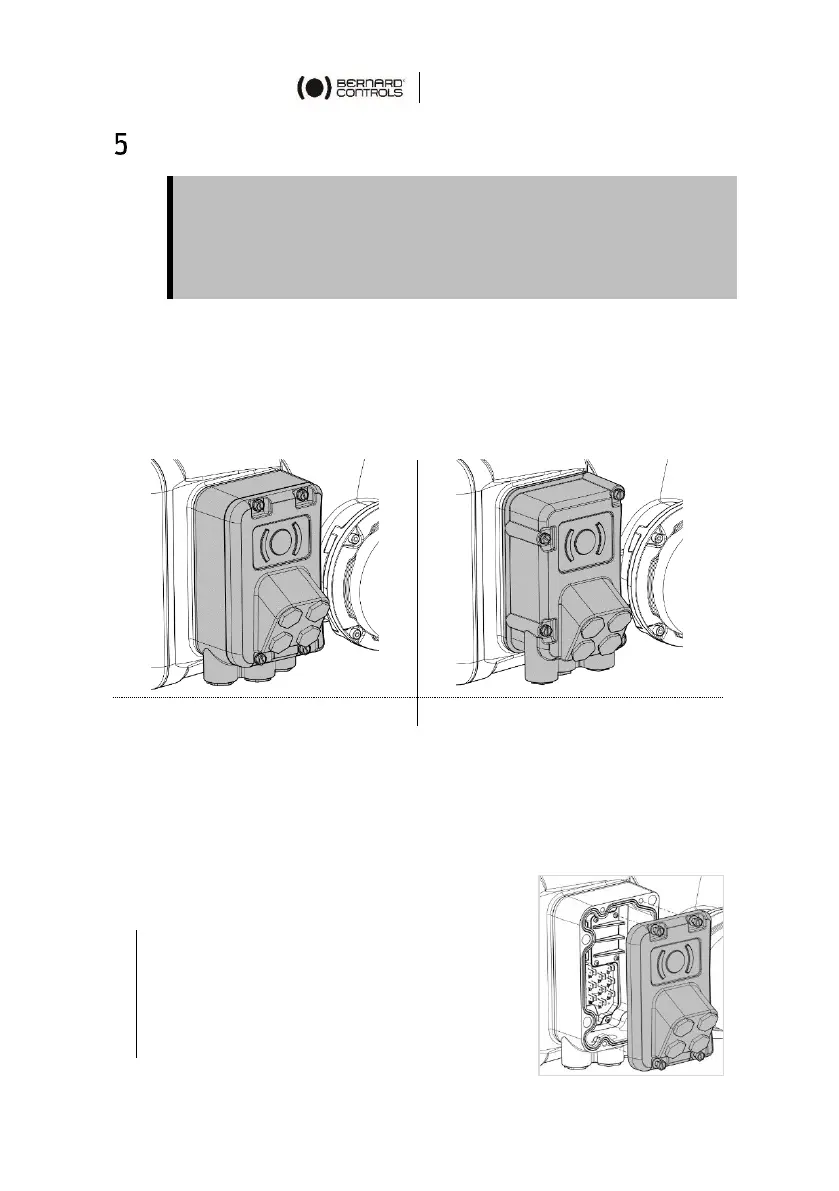
To types of connections are available on your actuator:
A connection compartment with direct wiring on the
actuator
A connector first wired then plugged on the actuator
Both feature 3 cable entries (2×M20, 1×M25) on their bottom and 4
M20 cable entries on their front.
5.1.1 Accessing connections in connection compartment
In order to access connections, you need to open connection
compartment.
How to open connection compartment
1. Using a 10mm open end wrench or
10×1.5mm flat blade screwdriver,
unscrew the 4 Hex head screws
fastening cover on the housing.
2. Remove the cover.
Do not supply wires with electric power until wiring is finished
and connection compartment is closed or connector plugged on the
actuator.
If you need to open connection compartment or connector after
wiring, previously cut off power supply to the actuator.



 To Next Page