Servicemanual_aurora_435_450_english_V3_032530.50.04_Korrektur.doc 33
SP 2 Front cover
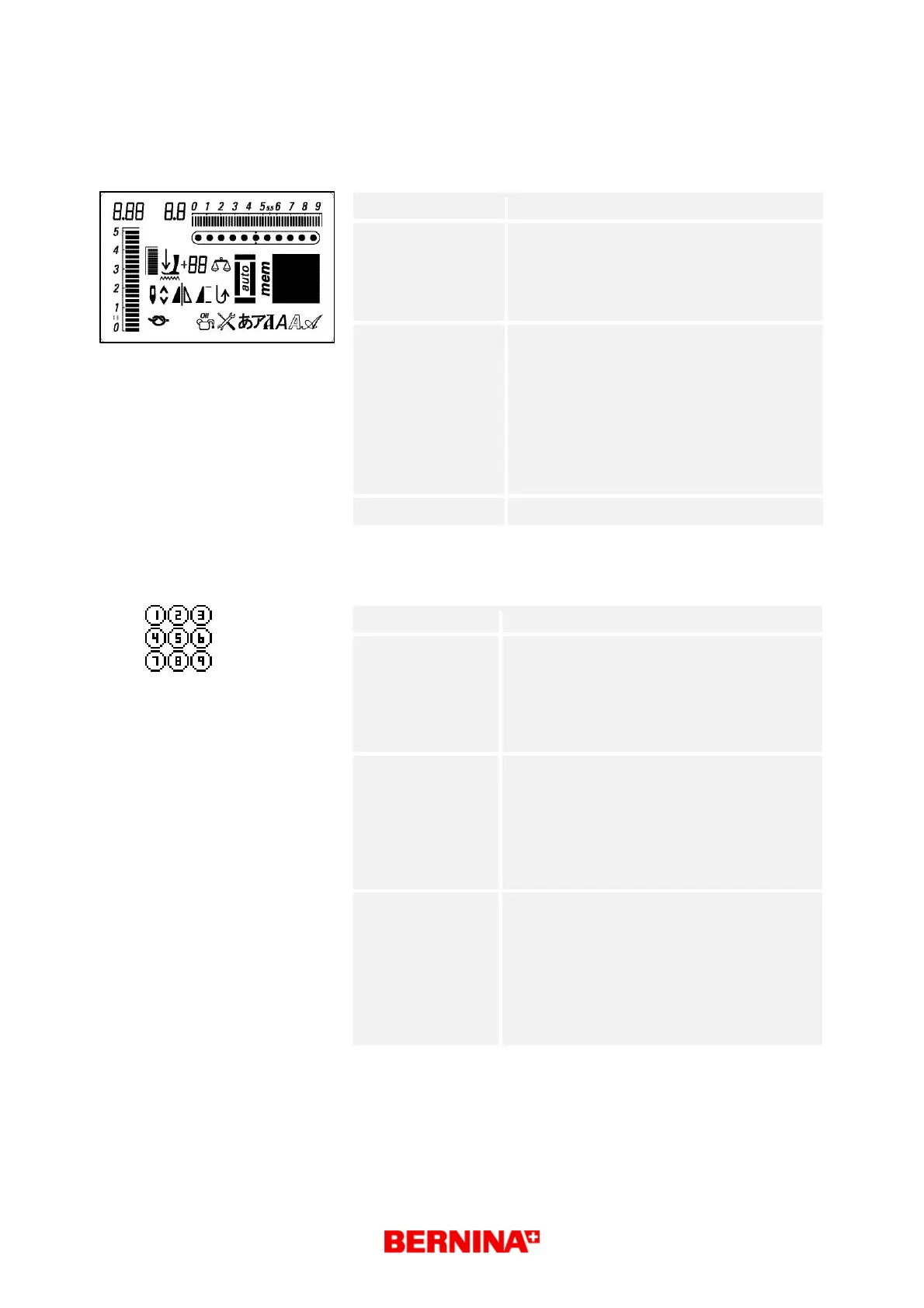
SP 2.1 Screen
What to test:
SP 2.1 Functioning of the screen
What to adjust:
Select respective test in the basic program
by pressing key 2 once.
Press button 18 to confirm selected test.
Press ESC button to exit and return to
basic program.
Desired status:
Each possible symbol is displayed in the
matrix (symbol g)
until activated by pressing key 18
(start/stop).
Every symbol (a-q) including matrix is
displayed.
Check against specifications that all
symbols appear
correctly.
Repair note:
• Replace S-Print
SP 2.2 S-Print and RET-Print related push buttons
What to test:
SP 2.2 Functioning of the push buttons
What to adjust: Select respective test in the basic program
by pressing key 2 twice.
Press push button 18 to activate selected
test.
Press OK button to exit and return to basic
program.
Desired status:
Each test key is displayed in the matrix
(symbol g) until activated by pressing
key 18 (start/stop).
The button pressed is indicated in the matrix
(1-29).
symbol g
Repair note:
• Check key contacts. Clean or replace if
necessary.
• Replace S-Print
• Exchange RET-Print
• Check cable RET-Print to S-Print
Note! By pressing button 19 you will exit
the program.
BSR



 To Next Page