Servicemanual_aurora_435_450_english_V3_032530.50.04_Korrektur.doc 44
SP 8 Calibration of balance
SP 8.1 Balance zero feed (rough)
What to test:
SP 8.1 Rough adjustment of balance
What to adjust: Make sure that the basic mechanical
settings are correct.
Press key 8 once in the basic program.
Press key 18 to activate selected test.
Place fabric under presser foot and actuate
foot control.
Press OK key to exit with saving or ESC
key to exit without saving.
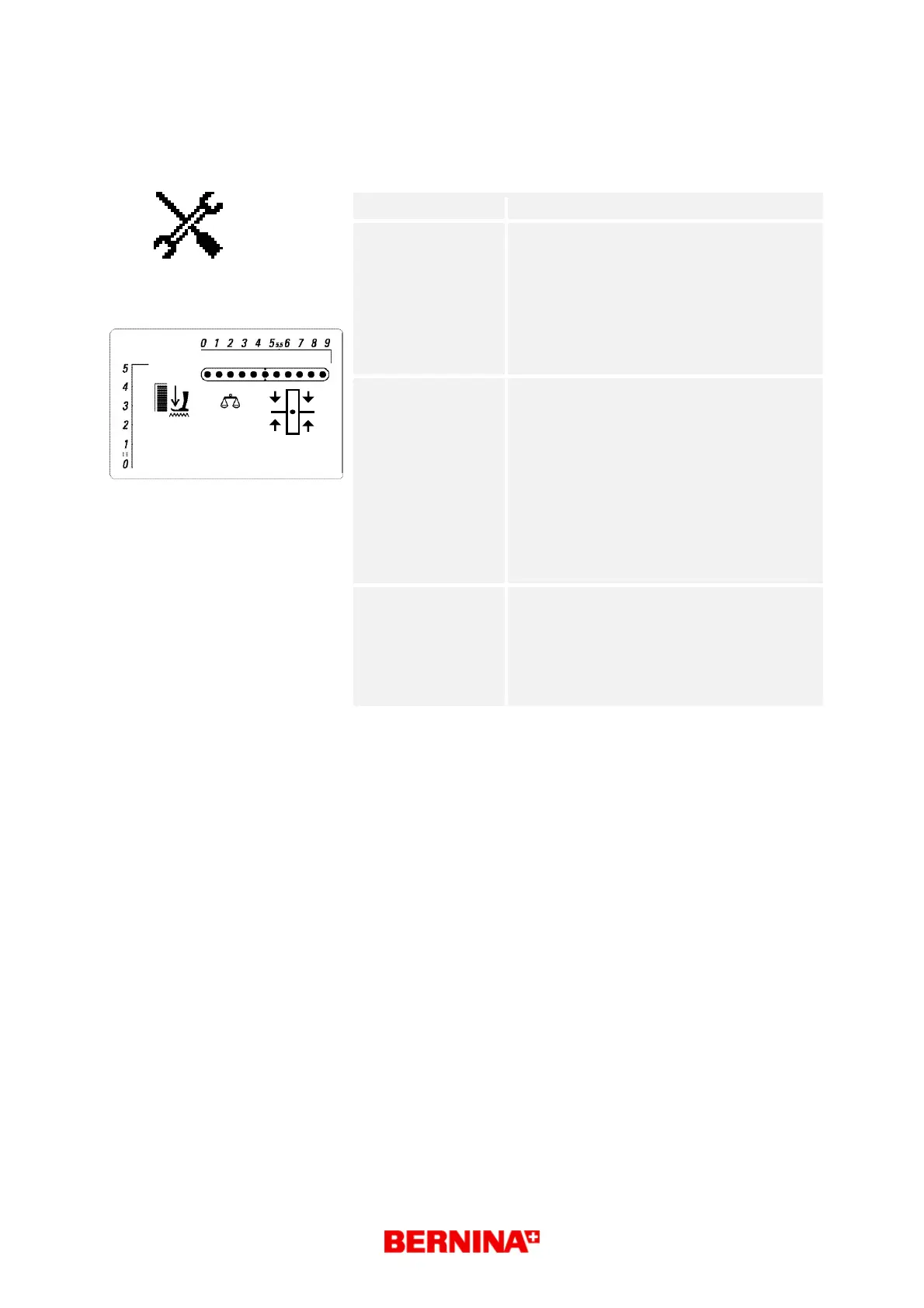
Desired status: Each test type is displayed in the matrix
(symbol g) until activated by pressing key
18 (start/stop).
The balance symbol lights. symbol j
Zero feed: fabric should not move under
the presser foot.
The offset value can be in the range of 1 to
16, the basic setting is 8. symbol b
The balance offset values can be reduced
(keys 25 + 24) or increased (keys 25 + 26)
by one unit.
Repair note:
• Set offset value to lowest forward or
reverse feed value.
• Press keys 24 and 25 simultaneously to
reduce the value by one unit.
• Press keys 25 and 26 simultaneously to
increase the value by one unit.
9



 To Next Page