Servicemanual_aurora_435_450_english_V3_032530.50.04_Korrektur.doc 53
SP 12 Information
SP 12.1-4 Various service functions
What to test:
The selected stitch program is
displayed
SP 12.1 Maintenance counter
SP 12.2 Resetting maintenance counter
SP 12.3 Service counter
SP 12.4 Resetting service counter
What to adjust: Depending on the counter required, press
key 12 one to four times in the basic
program.
Press key 18 to confirm selected test.
The counter readings can only be reset in
test 12.2 (maintenance reset) and 12.4
(service reset) by pressing key 18.
Press OK key to exit with a reset.
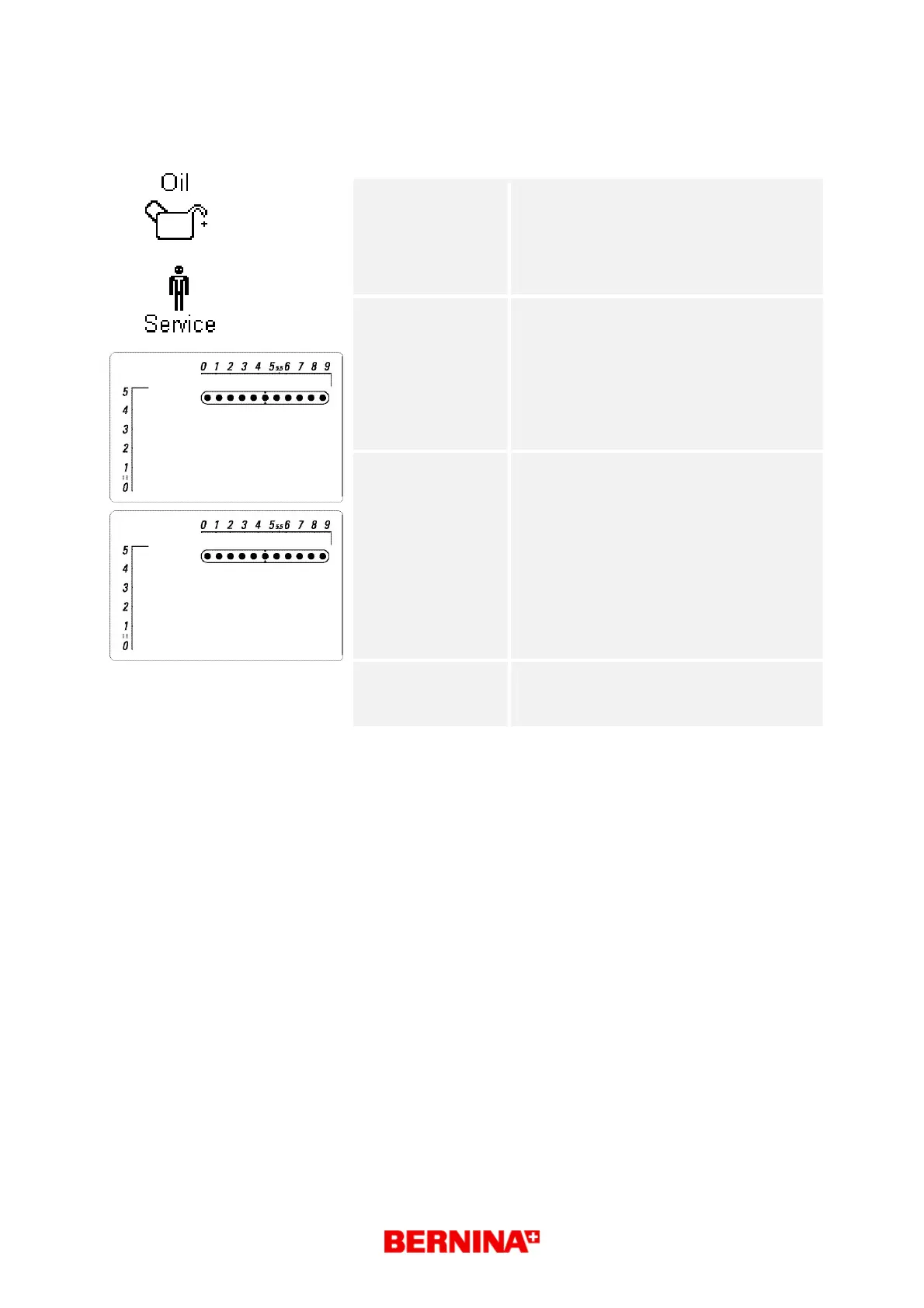
Desired status: Each test type is displayed in the matrix
(symbol g) until
activated by pressing key 18 (start/stop).
The respective stitch counter value is
displayed in the
matrix. symbol g
The respective symbols are displayed with
the
corresponding stitch counter values in user
mode (see
next page for details).
Repair note:
• None
• This reset must be done after each
service!
123
=0?



 To Next Page