Servicemanual_aurora_435_450_english_V3_032530.50.04_Korrektur.doc 40
SP 6 Speed
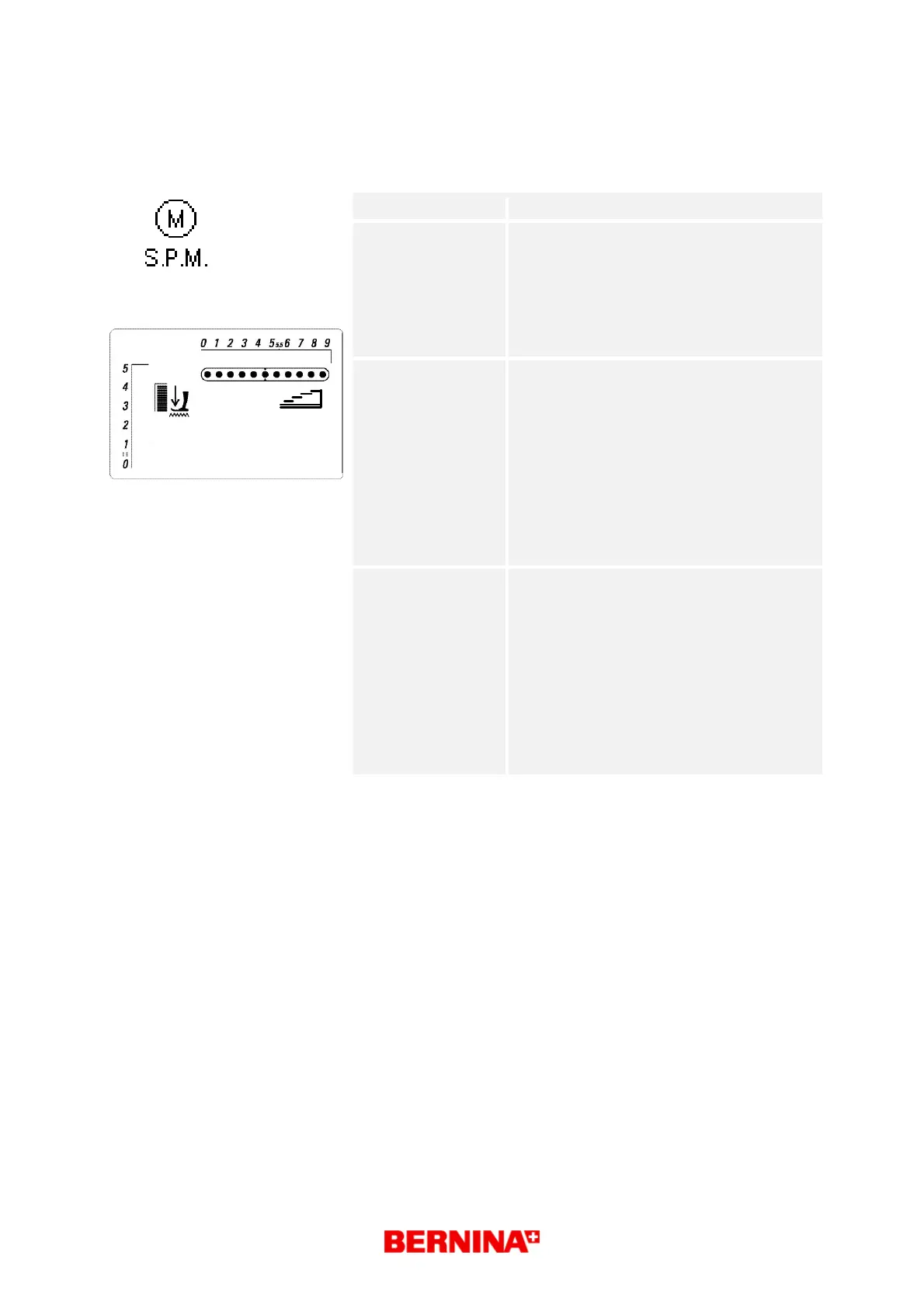
SP 6.1 Calibration of maximum speed
What to test:
SP 6.1 Calibration of maximum speed
What to adjust:
Select respective test in the basic program
by pressing key 6 once.
Press key 18 to activate selected test.
Hold foot control down until 'OK' or 'F'
appears in the matrix.
Press OK key to exit with saving or ESC
key to exit without saving.
Desired status:
Each test type is displayed in the matrix
(symbol g) until activated by pressing key
18 (start/stop).
The main motor runs in slow speed at first,
then continuously increasing speed until it
reaches the highest speed at the end of
calibration.
7-segment stitch length display => speed
symbol c
OK or F is displayed in the matrix.
symbol g
Repair note: Check main shaft, thread take-up lever,
belt etc. for ease of gliding and adjust
mechanical parts if necessary.
Check the main motor connectors for
deformation. Replace if necessary.
Check the main motor cable for
deformation, tears or breaks. Replace if
necessary.
Check L-Print functioning. Replace if
necessary.
Replace S-Print
100



 To Next Page