Servicemanual_aurora_435_450_english_V3_032530.50.04_Korrektur.doc 41
SP 6.2 Testing of standard speed
What to test:
SP 6.2 Checking of standard
speed i.e 900 s.p.m.
What to adjust:
Select respective test in the basic program
by pressing key 6 twice.
Press key 18 to activate selected test.
Hold foot control down the speed is
displayed.
Press OK key to exit and return to basic
program.
Desired status:
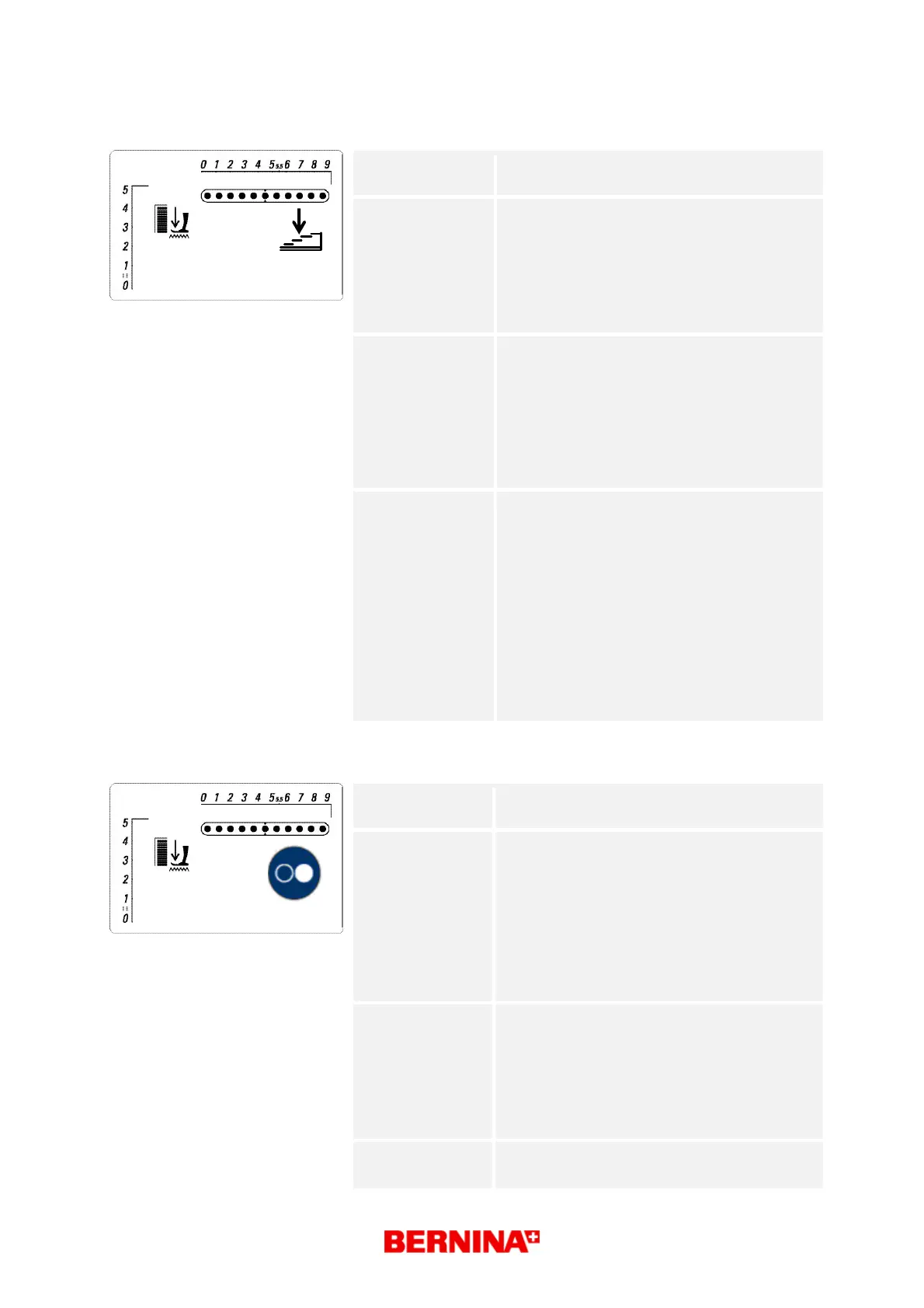
Each test type is displayed in the matrix
(symbol g) until activated by pressing key 18
(start/stop).
The main motor runs in slow speed at first,
continuously increasing the speed up to the
required revolutions per minute.
7-segment stitch length display => speed
symbol c
Repair note:
• Check main shaft, thread take-up lever,
belt etc. for ease of gliding and adjust
mechanical parts if necessary.
• Check the main motor connectors for
deformation. Replace if necessary.
• Check the main motor cable for
deformation, tears or breaks. Replace if
necessary.
• Calibrate maximum speed, see test 6.1
• Check L-Print functioning. Replace if
necessary.
• Replace S-Print
SP 6.3 Testing of standard SSU speed
What to test:
SP 6.3 Testing of SSU speed (disconnect
foot control unit!)
What to adjust: Select respective test in the basic program
by pressing key 6 three times.
Without foot control unit!
Press key 18 to confirm selected test.
Press start/stop button to activate the test.
Move slide control until required speed is
displayed.
Press OK key to exit and return to basic
program.
Desired status:
Each test type is displayed in the matrix
(symbol g) until activated by pressing key 18
(start/stop).
The main motor runs in slow speed at first.
Continuously increasing the speed up to the
required revolutions per minute.
7-segment stitch length display => symbol c
Repair note:
• Calibrate maximum speed, see test 6.1
• Replace S-Print
1



 To Next Page