Servicemanual_aurora_435_450_english_V3_032530.50.04_Korrektur.doc 47
SP 9 Motors
SP 9.1-2 Continuous running in zigzag and honeycomb stitch modes
What to test:
SP 9.1 Continuous running
in zigzag stitch mode
SP 9.2 Continuous running
in honeycomb stitch mode
What to adjust: Depending on the stitch program required,
press key 9 once or twice in the basic
program.
Press key 18 to confirm selected test.
Continuous running can be started or
stopped by
pressing the start/stop button.
Press OK key to exit and return to basic
program.
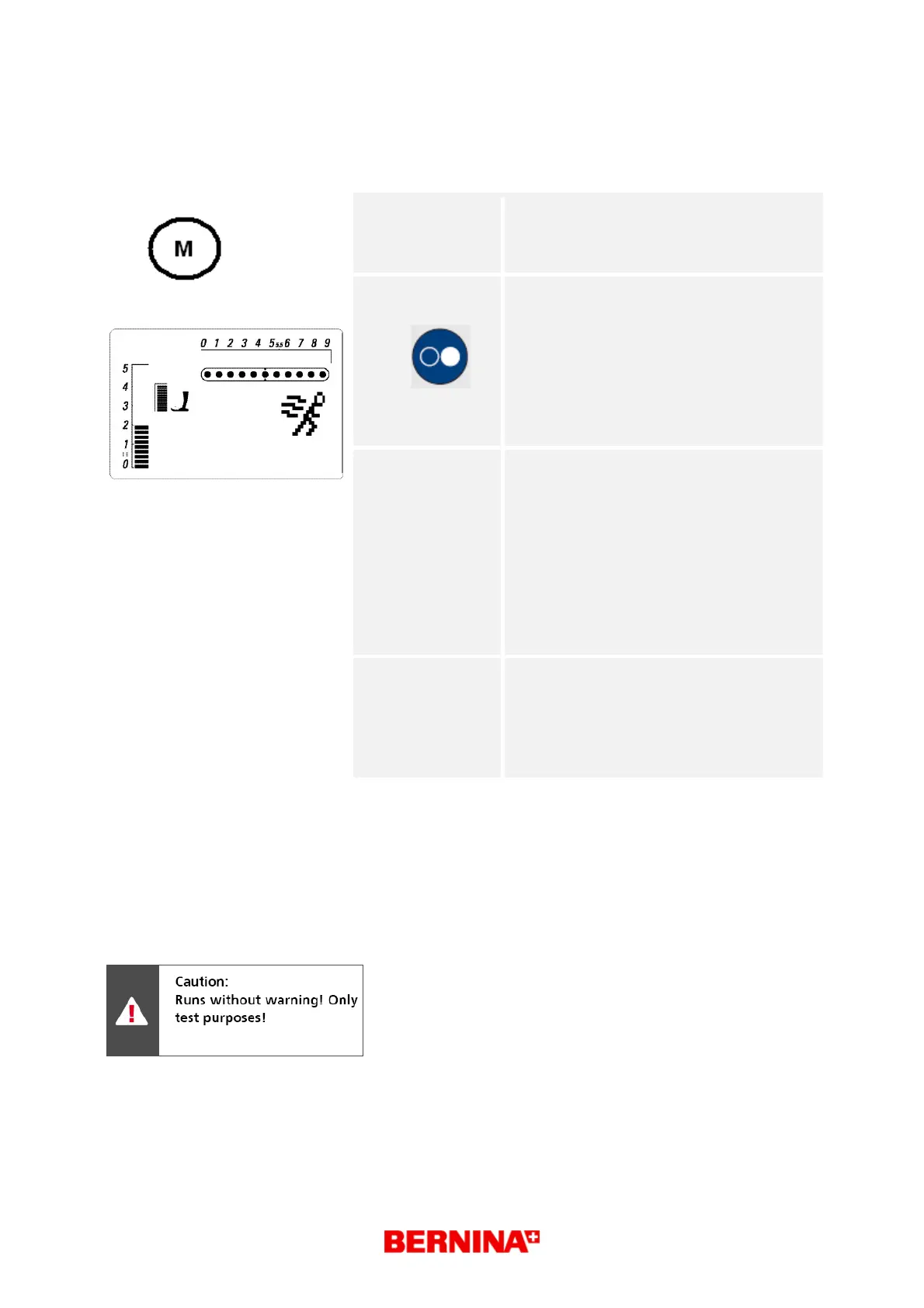
Desired status: Each test type is displayed in the matrix
(symbol g) until activated by pressing key
18 (start/stop).
The machine runs for 7.5 sec and then
stops for 7.5 sec.
The matrix should flash throughout the
whole 'RUN' operation so that even in the
stop phase it can be seen that the test is
running.
Stitch length, stitch width and needle
position can be changed.
Repair note:
• Check main shaft, thread take-up lever,
belt etc. for ease of movement and adjust
mechanical parts if necessary.
• Check operating voltages
(see basic program ).
• Check motor functions (see test 3 and 6).
1



 To Next Page