Need help?
Do you have a question about the Bestop TrekStep and is the answer not in the manual?
Identify the correct point on the driver's side rear bumper for attachment.
Attach the motor linkage to the vehicle, reusing original bumper fasteners.
Connect the linkage assembly to the mounting bracket using specified hardware.
Mount the bracket onto vehicle studs and secure with original fasteners.
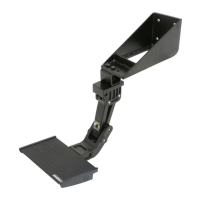
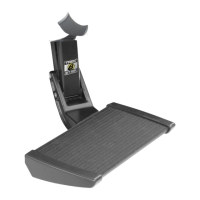
Attach the step onto the linkage assembly using M6 socket head cap screws.
Align the step for clearance and tighten hardware; use spacers for lower positioning.
Details on how the TrekStep deploys and retracts using foot control.
Instructions for cleaning and avoiding slip agents on the step surface.
Crucial safety reminder to keep the TrekStep stowed while driving.

 To Next Page
 General