EasyManua.ls Logo

Better BT-532C - Page 37

Better BT-532C
56 pages
Print Icon
To Next Page IconTo Next Page
To Previous Page IconTo Previous Page
Loading...
BT-532C User manual
37
selects the printing position as follows:
n
Printing position
0, 48
No print
1, 49
Above bar code
2, 50
Under bar code
3, 51
Up and down bar down
Parameter range
0 n 3 or 48 n 51
Default
n = 0
Supporting
model
All
Notes
When ESC@,resetting printer,power off,the command will failure.
Usage example
N/A
Set One-dimension bar code height
Name
Set One-dimension bar code height
Format
ASCII GS h n
Decimal 29 104 n
Hexadecimal 1D 68 n
Description
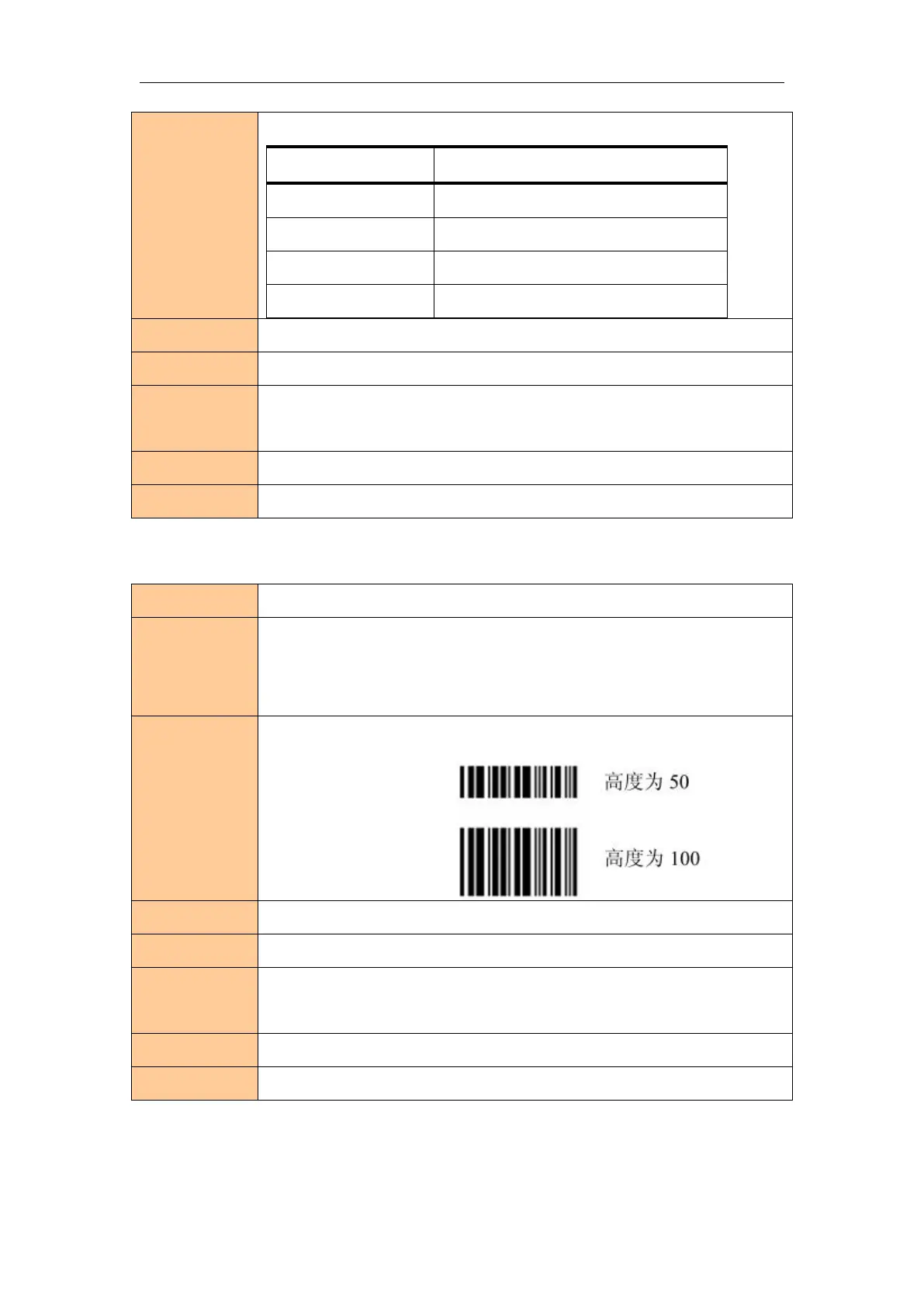
Setting bar code height is n,the meaning of the parameters n as follows:
Parameter range
1 n 255
Default
n = 64
Supporting
model
All
Notes
When ESC@,resetting printer,power off,the command will failure.
Usage example
N/A
Set One-dimension bar code width

Related product manuals