BT-532C User manual
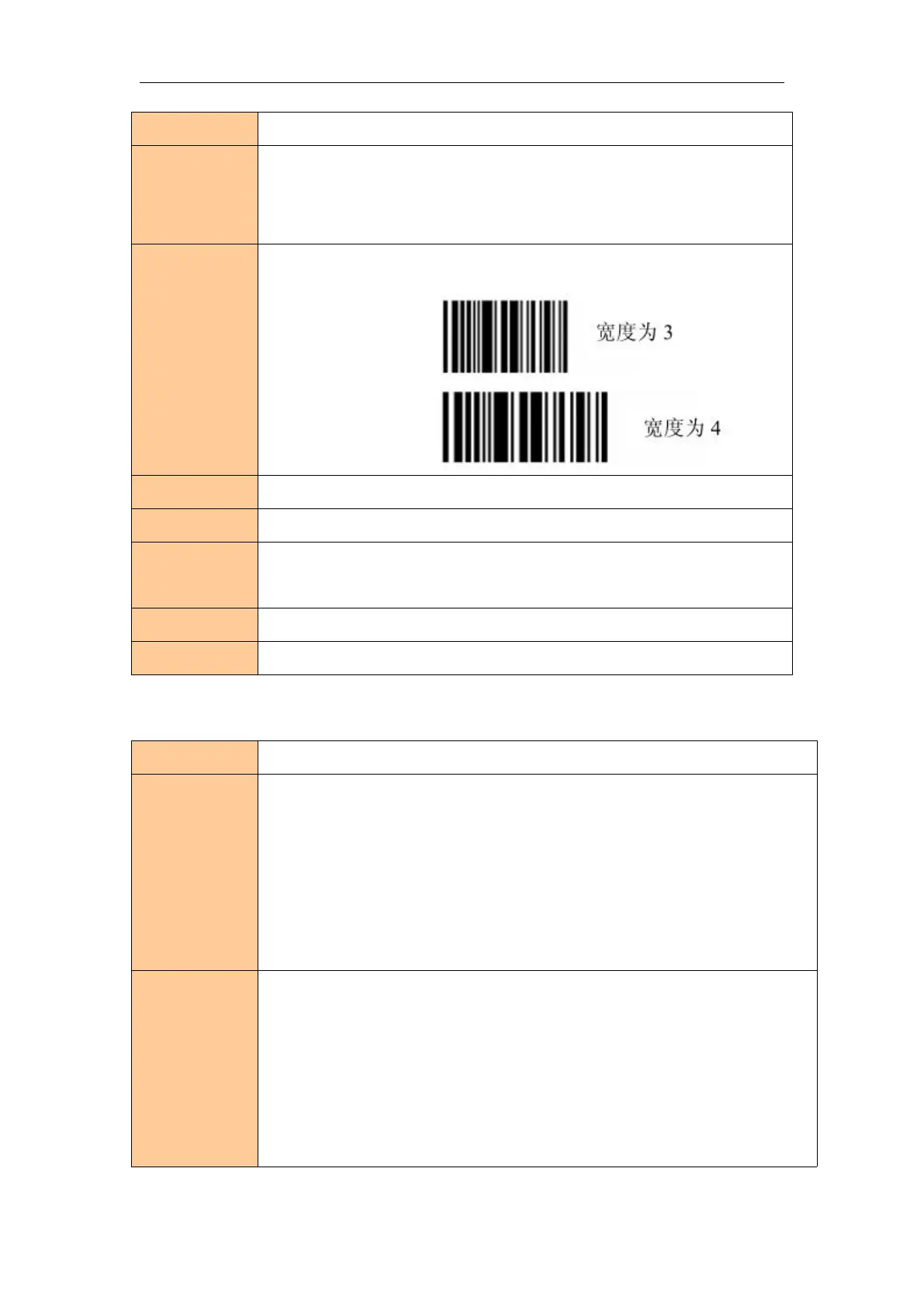
Set One-dimension bar code width
ASCII :GS w n
Decimal :29 119 n
Hexadecimal :1D 77 n
Setting bar code unit is n,the meaning of the parameters n as follows:
When ESC@,resetting printer,power off,the command will failure.
Print One-dimension bar code
Print One-dimension bar code
(A) ASCII :GS k m [d]k NUL
Decimal :29 107 m [d]k NUL
Hexadecimal :1D 6B m [d]k NUL
(B) ASCII :GS k m n [d]k
Decimal :29 107 m n [d]k
Hexadecimal:1D 6B m n [d]k
Print One-dimension bar code,the meaning of all parameters as follows:
m is encode mode.
n is the length of encode data, only for (B),the difference between (A) and (B)
is :(A) end with NULL,AND (B) use the length of indication data.
[d]k is the bar code data.
K is the length of bar code data,just a sign not transmission.



 To Next Page