13
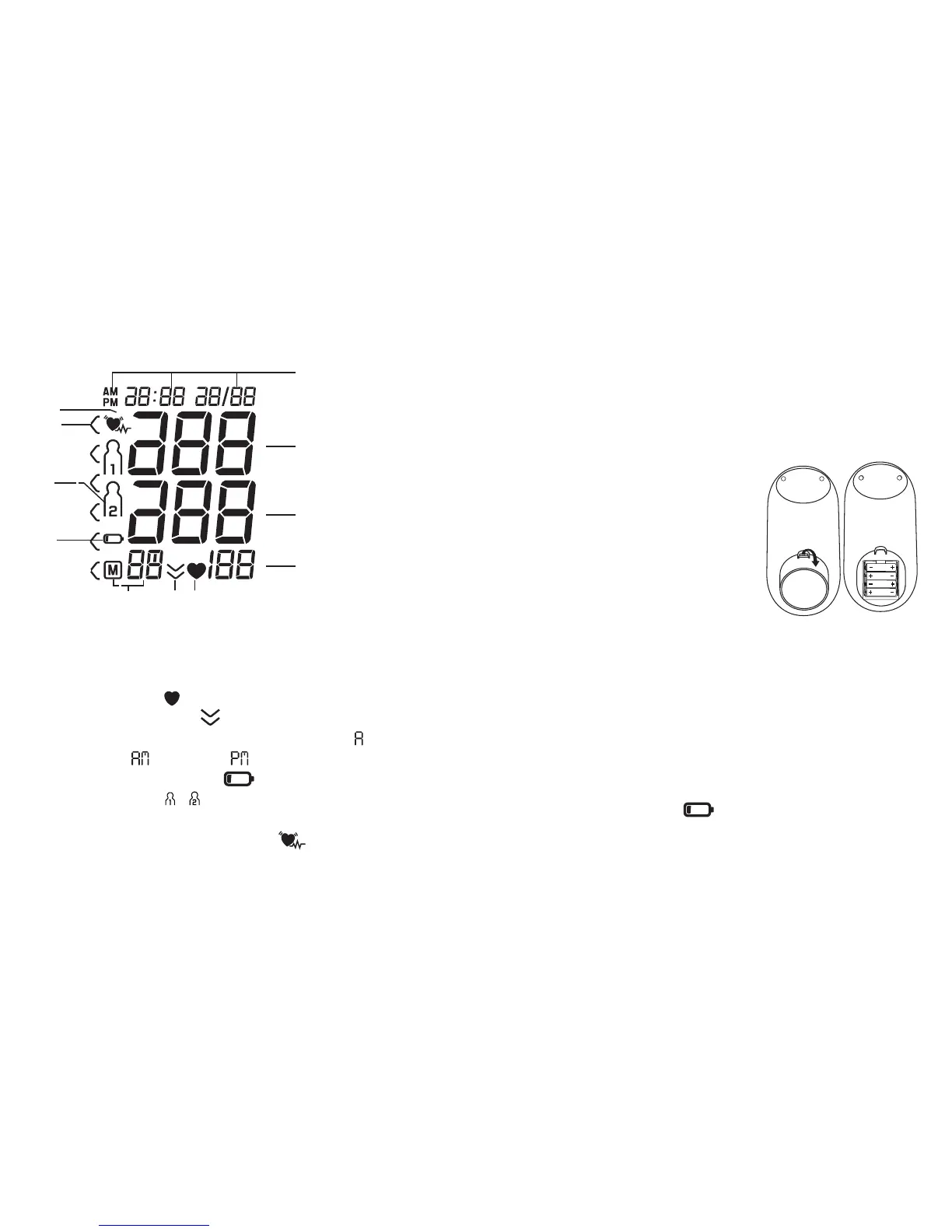
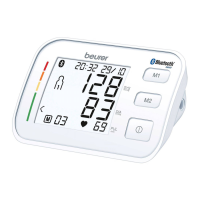
Icons in the display:
9
1
10
11
8
56
7
2
3
4
1. Date / time
2. Systolic pressure
3. Diastolic pressure
4. Pulse rate
5. Pulse symbol
6. Deflation Indicator
7. Memory space number/ average value ( ),
morning ( ), evening ( )
8. Low Battery Indicator
9. User memory /
10. Risk Category Indicator
11. Irregular Heartbeat Indicator
5. Getting started
NOTE:
To conserve the batteries, the monitor switches off auto-
matically if you do not press any buttons for 3 minutes.
5.1 Inserting/replacing batteries
• Remove the battery cover from the
back of the monitor.
•
C
lean the battery contacts and
those of the device prior to instal-
lation with a soft dry cloth.
•
I
nsert or replace with only four
AAA alkaline batteries. Make ab-
solutely sure that you insert them
with the correct polarity (+/-) as indicated (see the dia-
gram inside the battery compartment). Do not use other
types of batteries.
•
R
eplace the battery cover carefully.
All display elements are briefly displayed and 12 h flashes
in the display. To set the time and date, refer to section ‘5.3
Setting the date and time’
If the battery change icon is continuously illuminated,
measurement is no longer possible and you must replace
all the batteries.



 To Next Page