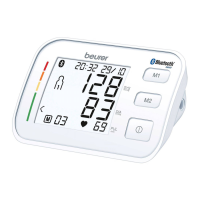
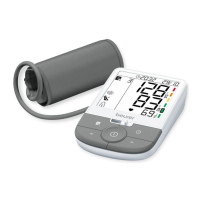
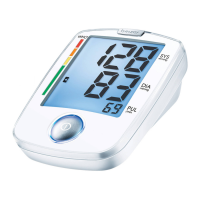
14
5.2 Cuff selection
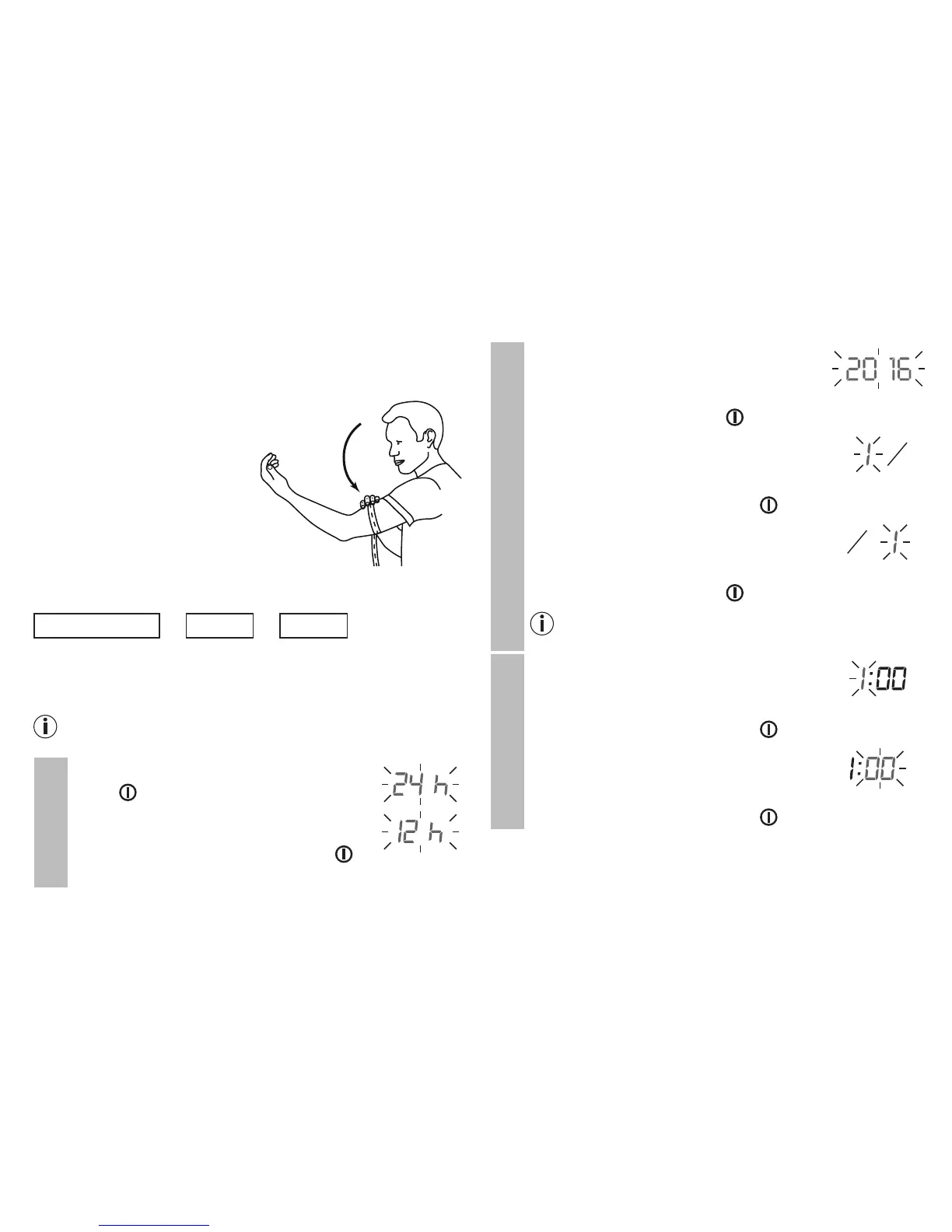
This unit includes 1 size of arm cuffs:
•
U
niversal size fits 8.7 in – 16.5 in (22 – 42 cm)
Measure your arm circumference
around your bicep using a
normal measuring tape.
5.3 Setting the date and
time
The following section
describes the functions and
settings available on the
blood pressure monitor.
Hour format
➔
Date
➔
Time
It is essential to set the correct date and time. Otherwise,
you will not be able to save your measured values correctly
with a date and time and access them again later.
If you press and hold the M1 or M2 memory button, you
can set the values more quickly.
Hour format
•
P
ress and hold the START/STOP but-
ton for 5 seconds.
• Choose the desired hour format with
the M1/M2 memory buttons and con-
firm with the START/STOP button .
Date
The year flashes on the display.
•
Choose the desired
year
using the M1/
M2 memory buttons and confirm with
the START/STOP button .
The month flashes on the display.
•
Choose the desired month using the
M1/M2 memory buttons and confirm
with the START/STOP button .
The day flashes on the display.
•
Choose the desired day using the M1/
M2 memory buttons and confirm with
the START/STOP button .
If the hour format is set as 24 h, the day/month
display sequence is reversed.
Time
The hours flash on the display.
•
Choose the desired hours using the
M1/M2 memory buttons and confirm
with the START/STOP button .
The minutes flash on the display.
•
Choose the desired minutes using the
M1/M2 memory buttons and confirm
with the START/STOP button .



 To Next Page