18
Measurement
•
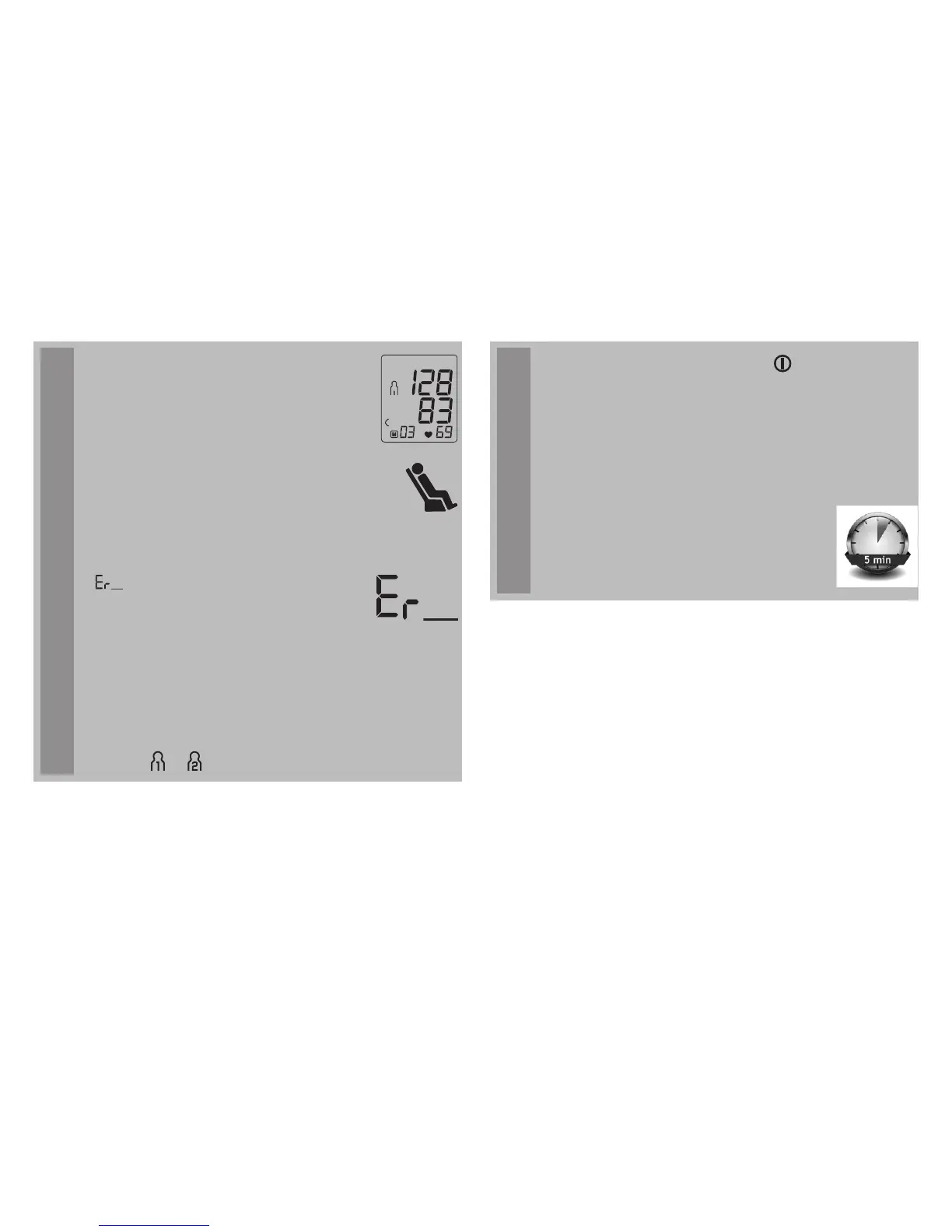
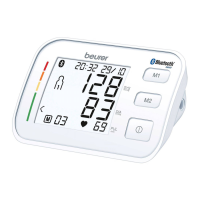
Systolic pressdiastolic pressure and
pulse measurements are displayed.
•
A symbol at the bottom of the display
also lights up to indicate whether you
were sufficiently relaxed during the
blood pressure measurement (green
symbol = sufficiently at rest; red sym-
bol = not at rest).
•
Observe the chapter on interpreting
results/measuring the resting indicator
in these instructions for use.
•
appears if the measurement could
not be performed properly. Observe
the chapter on error messages/trou-
bleshooting in these instructions for
use and repeat the measurement.
•
Now select the desired user memory by pressing
the
M1 or M2
memory buttons. If you do not select
a user memory, the measurement is stored in the
most recently used user memory. The relevant
symbol or appears on the display.
Measurement
•
Using the START/STOP button , switch off the
blood pressure monitor. The measurement is then
stored in the selected user memory.
• If you forget to turn off the device, it will switch off
automatically after approx. 3 minutes. In this case
too, the value is stored in the selected or most
recently used user memory.
•
Wait at least 5 minutes before taking
another measurement!



 To Next Page