19
2�
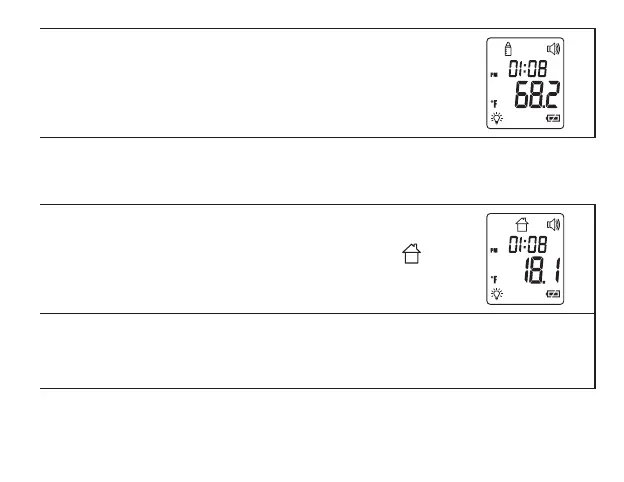
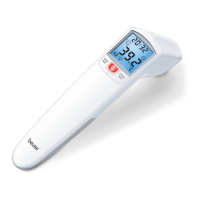
Hold the sensor 1-1 ½ inches (2-3 cm) from the object to be measured
and press the
START
Button. After about a second, the thermometer
will beep once and display the measurement. Press the
ON/OFF
button
to shut the thermometer o.
Ambient temperature:
To measure the ambient temperature in your location, switch the thermometer to ambient temperature
mode.
1�
Press the
ON/OFF
Button to switch the thermometer on. Change the
thermometer to ambient temperature mode by pressing the
MODE/
MEM
Button twice. The ambient temperature mode icon will
display.
2�
The ambient temperature around the thermometer will display. The
thermometer will shut o about one minute if no buttons are pressed;
press the
ON/OFF
button to shut the thermometer o manually. Note
that ambient temperature measurements are not saved.


 To Next Page